Booking a Doctor’s Appointment in Denmark: MinLæge App Guide
Navigating a foreign healthcare system while you are actually feeling ill is one of the most taxing experiences of expat life. I remember sitting on my sofa in a drafty Copenhagen apartment, clutching a thermometer and wondering why my doctor’s website looked like it hadn't been updated since 2005. This guide solves that digital headache by walking you through the MinLæge app, the essential tool for managing your health in Denmark.
Understanding the Role of Your GP in the Danish System
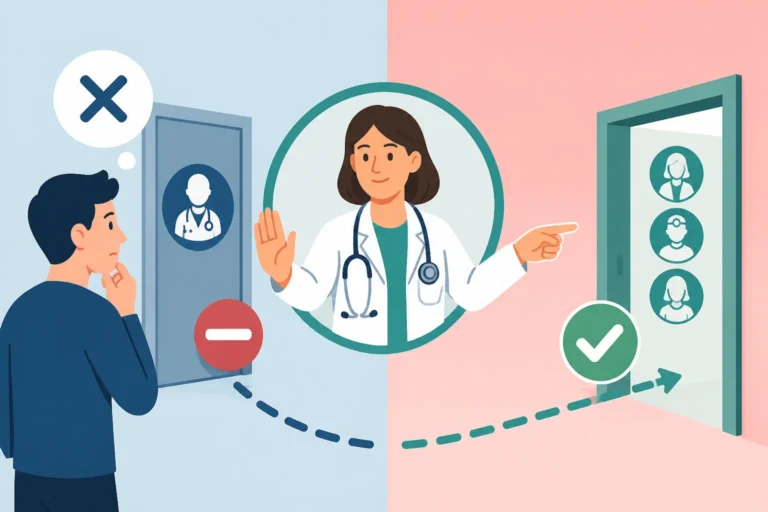
Before you even open the app, you have to understand that the General Practitioner (GP), known locally as your egen læge, is the center of the Danish medical universe. Unlike some countries where you might call a dermatologist or a cardiologist directly, the Danish system is strictly hierarchical. Your GP is the gatekeeper. I quickly learned that you cannot bypass this step; if you want to see any kind of specialist, you need a referral from the doctor listed on your health card.
The system is designed for efficiency, which is why The Role of the GP: Why You Cannot Go Directly to a Specialist is such a fundamental concept to grasp. Your doctor manages your general health, history, and all initial screenings. The MinLæge app was created to streamline this relationship, moving away from the old-fashioned "call between 8:00 and 9:00 AM" model that used to result in endless busy signals. While the phone remains an option, the app is the modern standard for anyone living a busy life in Denmark.
When you first arrive, you might be overwhelmed by the administrative requirements. You cannot use the MinLæge app or access a public GP until you have completed your Understanding CPR Registration and Your Healthcare Entitlement process. This registration links you to a specific clinic near your home. If you are a newcomer or a digital nomad waiting for your paperwork to clear, you might find yourself in a coverage gap. In these instances, private options like SafetyWing can provide a necessary safety net for emergencies before the state system recognizes you.
Getting Started with the MinLæge App Setup
The MinLæge app is available on both the Apple App Store and Google Play. Once you download it, the first thing you will notice is the requirement for MitID. Digital security is taken very seriously in Denmark, and your MitID is the digital key to almost every public service. You cannot browse the app as a guest; it is tied directly to your personal identity and your medical records.
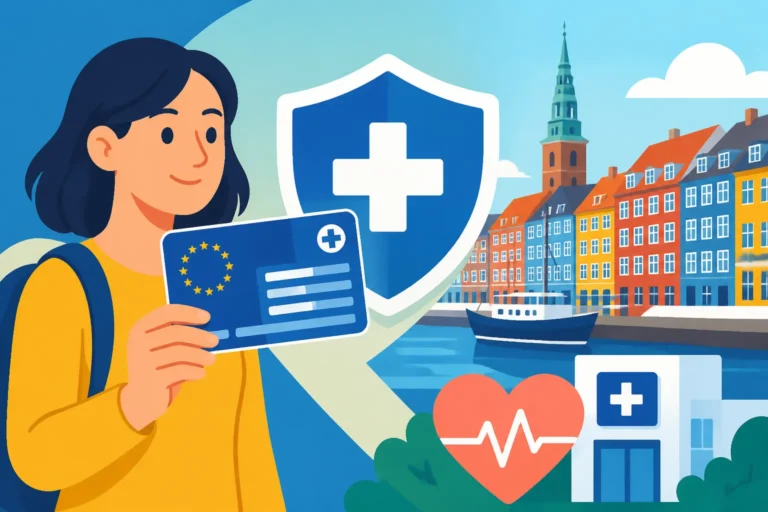
If you have already received your physical health card, you will see your doctor's name and contact details printed on the front. This is the information the app will pull automatically. If you haven't received it yet, you should check The Yellow Health Card (Sundhedskort): Your Key to Danish Healthcare to understand the timeline. Once you log in with MitID, the app synchronizes with the national health database. You will see your doctor’s name, the clinic’s address, and their opening hours right on the home screen.
It is worth noting that for some expats, the transition to a purely digital system is jarring. If you are used to a high-touch private medical experience, you might also consider supplemental coverage from Cigna Global. While the public system is excellent, private insurance can sometimes offer faster access to private hospitals or specific specialists that aren't easily reached through the standard GP referral loop. However, for 95% of your needs, the MinLæge app and your public GP will be your primary path.
How to Book an Appointment Step by Step
Once you are logged into the app, booking an appointment is relatively straightforward, but there are some cultural nuances to keep in mind. You will see a button labeled Aftaler (Appointments). When you click this, you can choose to "Book tid" (Book time).
- Select the Patient: If you have children, they will often be linked to your profile until they turn 15. Make sure you select the correct person.
- Choose the Appointment Type: Most clinics offer "Konsultation" for physical visits. Some also offer specific slots for "Børneundersøgelse" (child check-ups) or "Vaccination."
- Select a Doctor: If your clinic has multiple partners, you can often choose your favorite. I’ve found that sticking with the same doctor helps build a history, which is vital in a system that doesn't do "annual physicals" by default.
- Choose a Time Slot: A calendar will appear. Be warned: popular clinics can be booked out two weeks in advance for non-urgent matters.
- Describe the Issue: There is a text box where you must briefly describe your symptoms. Do not be overly vague here. Writing "pain" isn't enough; write "lower back pain for three days, difficulty walking." This helps the nurse or doctor prepare for your visit.
If you find that your current doctor never has available slots when you need them, you are not stuck with them forever. You can learn How to Choose and Change Your General Practitioner (GP) in Denmark to find a clinic that better suits your schedule. Sometimes moving just one neighborhood over can make a massive difference in wait times.
Utilizing Video Consultations for Convenience
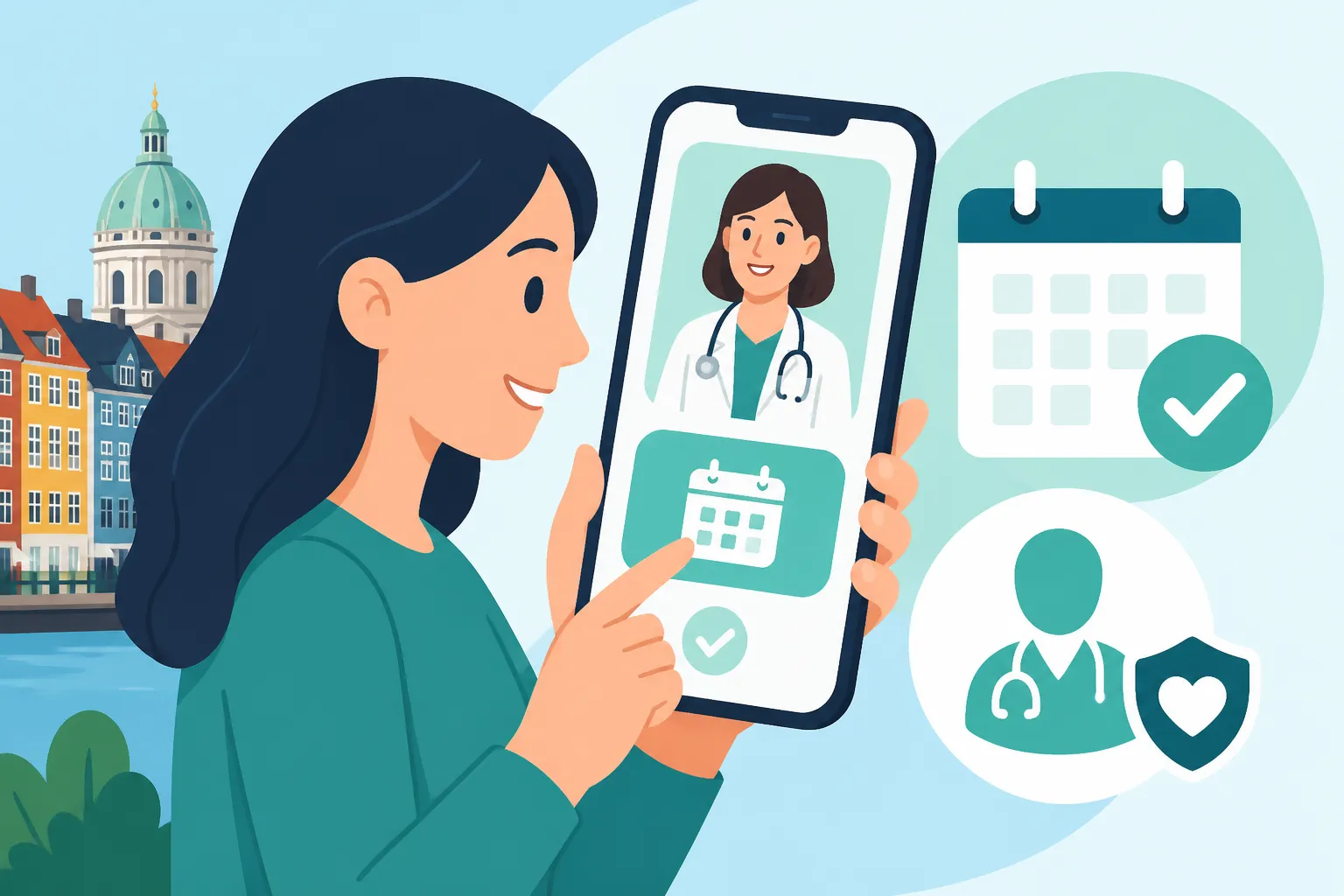
One of the best features added to the MinLæge app in recent years is the Videokonsultation (Video Consultation). This is a lifesaver when you are too sick to commute to the clinic or if you just need to discuss lab results. I’ve used this several times for minor skin issues or follow-up conversations, and it saves a significant amount of time.
To use this, you usually need to book a specific "Video tid" or have an agreement with your doctor. When it’s time for your appointment, you open the app and enter the virtual waiting room. You’ll see how many people are in line ahead of you. It’s a very "Danish" experience—efficient, punctual, and digital. For those who travel frequently, having a backup like SafetyWing is still wise for physical emergencies abroad, but for your day-to-day Danish life, the video feature in MinLæge covers a surprising amount of ground.
During the video call, the doctor can even issue prescriptions. These are sent to a central server, and you can pick them up at any pharmacy in the country. You can track these through the app or by Using the Medicinkortet App: Managing Your Prescriptions Digitally. This level of integration is what makes the Danish system one of the most advanced in the world, even if the interface feels a bit utilitarian at times.
Communication and Messaging Your Doctor
The MinLæge app isn't just for booking; it’s also for communication. The E-konsultation feature allows you to send short, non-urgent messages to your GP. Think of this like a secure email. I use this for asking simple questions about medication side effects or requesting a copy of a lab report.
Doctors are legally required to answer these within five working days, though many reply much faster. It is important to remember that this is not for emergencies. If you are experiencing chest pain or severe breathing difficulties, you should skip the app and see Emergency Medical Care in Denmark: Calling 112, Lægevagten, and ERs for immediate instructions. The app is for the "slow" side of medicine—maintenance, questions, and routine checks.
| Feature | Best For | Response Time |
|---|---|---|
| Physical Appointment | New symptoms, physical exams, blood tests | 1-14 days depending on clinic |
| Video Consultation | Follow-ups, rashes, mental health chats | Scheduled time slots |
| E-Konsultation | Simple questions, test result explanations | Within 5 business days |
| Prescription Renewal | Continuing long-term medication | 1-2 business days |
Navigating the Language Barrier in the App
One major frustration for many of us is that the MinLæge app is primarily in Danish. While many of the buttons are intuitive, the "description" boxes and specialized terms can be tricky. My personal tip is to keep a translation app open or use the "Screen Translate" features available on most modern smartphones.
However, don't let the Danish app interface scare you away from the actual appointment. Almost every doctor in Denmark speaks excellent English. If you are nervous about your first visit, you can check our guide on Finding an English-Speaking Doctor: Directories and Local Strategies to ensure you end up in a clinic where you feel heard. When you book through the app, feel free to write your symptoms in English in the text box. In my experience, doctors appreciate the clarity of English over a poorly Google-translated Danish sentence.
For expats who want a more "international" standard of care or who are used to the American or British private systems, companies like Cigna Global can provide access to private clinics in Copenhagen where the entire experience, from the receptionist to the specialist, is tailored for English speakers. But even in the public system, the app is your first point of entry.
Troubleshooting Common App Issues
Like any digital platform, MinLæge can have its quirks. Sometimes the app will tell you that "no appointments are available for the selected doctor." This often happens because the clinic only opens their calendar a few weeks in advance. If you have an urgent but non-life-threatening issue, it is still better to call the clinic during their phone hours (usually 8:00 AM to 9:00 AM) rather than waiting for a slot to appear in the app.
Another common issue is MitID synchronization. If you have recently moved or changed your phone, you might be locked out. Always ensure your address is updated in the national registry, as your GP assignment is based on your postcode. You can find more on managing these digital hurdles in Sundhed.dk and MitID: Navigating Denmark’s Digital Health Portals.
If you are traveling outside of Denmark and fall ill, the MinLæge app won't be of much help, as it is strictly for care within the Danish borders. This is where having a dedicated travel or expat policy from SafetyWing becomes essential, as they handle the international side of things while MinLæge handles your life at home in Denmark.
Managing Referrals and Test Results
After your appointment, the app continues to be useful. Under the Prøvesvar section, you can see results from blood tests or scans. Usually, your doctor will add a small note like "Alt ser fint ud" (Everything looks fine). It is a great way to keep a history of your health without having to file away physical papers.
If your GP decides you need to see a specialist, they will create an "open referral." You won't necessarily see this in the MinLæge app immediately, but it goes into the national system. You then find the specialist you want to see and call them; they will pull your referral from the cloud using your CPR number. For more details on this process, see Finding Medical Care in Denmark: GPs, Specialists, and Referrals. The integration between the app, your GP, and the specialist network is what makes the Danish system so robust, provided you know how to push the right digital buttons.
Important Disclaimer
The information provided in this guide is for informational purposes only and does not constitute medical or legal advice. Healthcare regulations and app features in Denmark can change frequently. Always consult with your registered General Practitioner or the official Danish health authorities (Sundhedsstyrelsen) for specific medical concerns or current system requirements. For emergencies, always dial 112.