Sundhed.dk and MitID: Navigating Denmark’s Digital Health Portals
Navigating the Danish healthcare system can feel like being handed a complex puzzle where half the pieces are digital and the instructions are only in Danish. When I first arrived, I spent hours trying to figure out why I couldn't just call a specialist directly or where my blood test results were hiding. This guide solves the digital mystery of Sundhed.dk and MitID, ensuring you can manage your health records, prescriptions, and appointments with total confidence.
The Digital Backbone: Understanding the MitID Revolution
The transition to a digital-first society is one of Denmark's proudest achievements, but for a newcomer, it can be the single biggest barrier to accessing basic services. MitID is not just a login for your bank; it is your digital signature, your identity verification, and your primary key to the entire Danish healthcare infrastructure. Without it, you are effectively invisible to the digital portals that manage your medical life.
What is MitID and Why is it Mandatory?
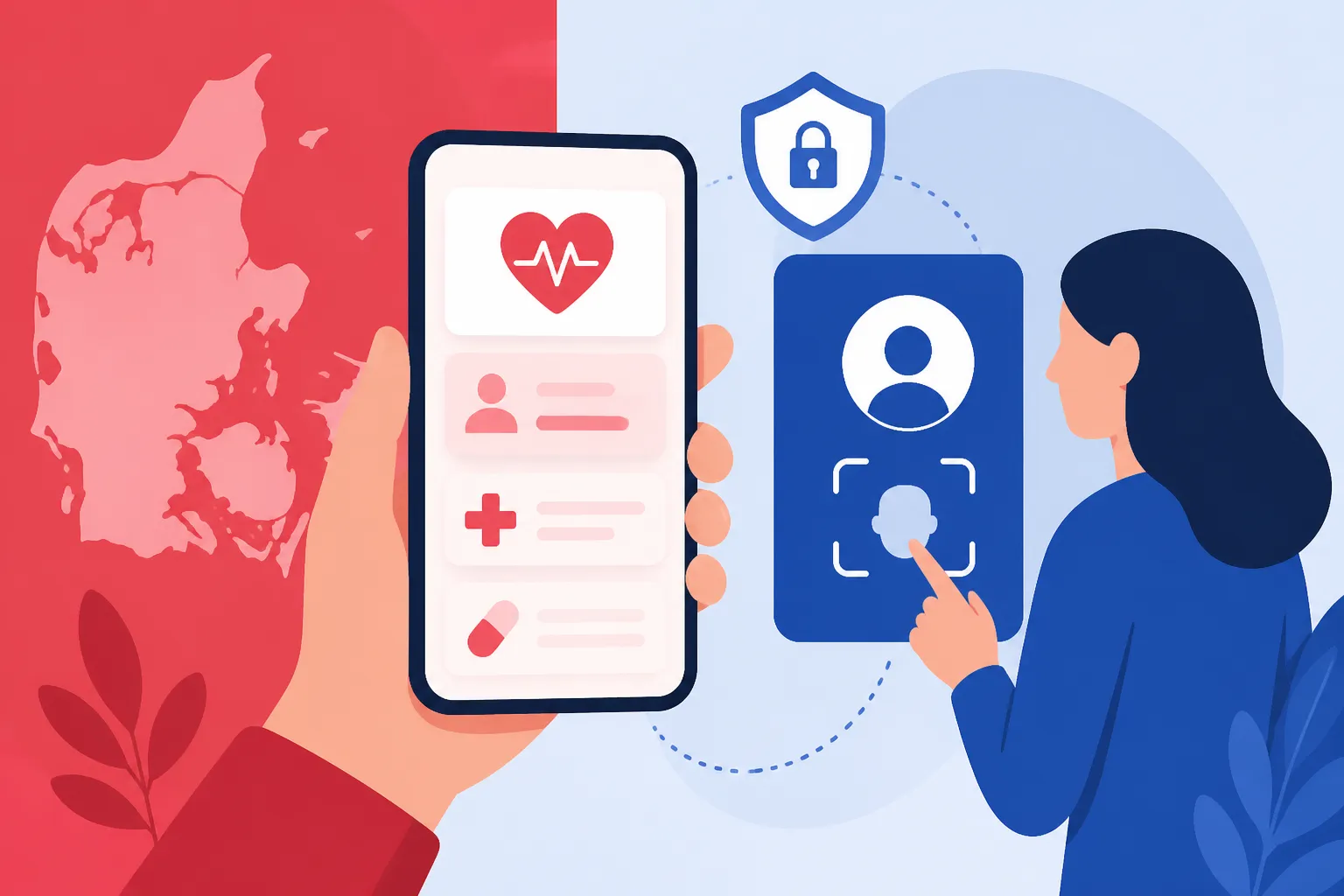
MitID replaced the older NemID system to provide a more secure, app-based authentication method. It functions as a secure bridge between your identity and sensitive data. In the context of healthcare, every time you want to see a doctor’s note, check a lab result, or renew a prescription, you will be prompted to "Log ind med MitID." The system ensures that your private medical data remains confidential and accessible only to you and authorized healthcare providers.
The mandatory nature of MitID stems from the Danish government's goal to streamline administration. By centralizing access, the state reduces the need for physical paperwork and mail. For you, this means no more waiting for letters in the post regarding your appointments. However, it also means that "opting out" of the digital system is incredibly difficult and usually reserved for those with specific exemptions, such as the elderly or those with disabilities. As an expat, mastering this app is your first step toward true residency.
I remember the initial frustration of having the app but not being able to "swipe" to approve a login because I hadn't updated my residence details correctly. The system is hyper-sensitive to security; if your MitID isn't perfectly synced with your CPR number, you’ll find yourself locked out of the very portals you need during a health crisis. This is why Understanding CPR Registration and Your Healthcare Entitlement is the vital prerequisite to everything we discuss here.
Getting Your MitID Set Up as a Newcomer
The process of getting MitID usually begins at the Borgerservice (Citizen Service) in your local municipality. You cannot simply download the app and start using it without a verified identity check. Most expats receive their MitID as part of their initial registration process after obtaining a CPR number. You will need to bring your passport or national ID and your residence permit to prove who you are. The staff will then help you activate the app or provide you with a code token if you prefer not to use a smartphone.
Once activated, you should enable biometric login (fingerprint or face ID) to make the process smoother. You will frequently use MitID while sitting in doctor's waiting rooms or standing at the pharmacy counter. Having it ready to go on your phone is much easier than carrying a physical code card. If you are still waiting for your registration to clear, you may need interim protection. This is where options like SafetyWing can provide a safety net for those caught in the administrative gap between arrival and official registration.
A common pitfall for newcomers is changing phone numbers or devices shortly after arrival. MitID is tied to your specific device. If you buy a new Danish phone, you must migrate the app carefully using the "activation code" or by visiting Borgerservice again. Don't make that mistake; always keep your recovery codes in a safe, physical location.
Troubleshooting MitID Lockouts and Technical Glitches
Technical glitches are rare but stressful. The most common issue occurs when the app requires an update that isn't compatible with an older operating system, or when the "swipe" function hangs due to a poor internet connection. If you are locked out, your first stop should be the official MitID.dk website, which has an English interface. They provide a step-by-step guide for most common errors, such as "User blocked" or "App out of sync."
If the digital fixes fail, you must visit Borgerservice again. It is worth noting that you often need to book an appointment online to see someone at Borgerservice—which creates a catch-22 if you need MitID to log in to the booking system. In such cases, look for the "log in without MitID" option on the municipality website or call them directly. Danes are generally very helpful over the phone if you explain that your digital access is compromised.
Reliability is key when dealing with health. While the public system is robust, having a backup plan is wise. For those who want a more "human" touch or 24/7 English support that doesn't rely solely on Danish digital IDs, Cigna Global offers comprehensive plans that operate parallel to the state system, giving you an alternative route to care if you find yourself temporarily blocked from the public portals.
Sundhed.dk: Your Personal Health Portal Explained
Once you have your MitID, the door to Sundhed.dk swings open. This portal is the "Official Danish e-Health Portal," and it is remarkably comprehensive. It aggregates data from every hospital visit, every GP consultation, and every laboratory test performed within the Danish borders. It is your "Health Diary," and learning to navigate it is essential for anyone living in Denmark long-term.
Navigating the Dashboard: Records and Lab Results
The heart of Sundhed.dk is the "Sundhedsjournalen" (The Health Record). When you log in, you will see a list of categories: laboratory results, hospital records, medication, and your clinical notes. The "Laboratoriesvar" section is particularly useful. In Denmark, doctors don't always call you to give you "all clear" results. Instead, they expect you to log in and check for yourself. Knowing How to View Your Medical Records and Lab Results on Sundhed.dk allows you to track your cholesterol levels, blood counts, or thyroid markers over time with clear graphs and historical data.
The "E-journal" section contains notes written by hospital staff. It’s important to realize that these notes are often written in clinical Danish. While Google Translate can help, the terminology can be confusing. If you see something concerning in your notes, your next step should be Finding Medical Care in Denmark: GPs, Specialists, and Referrals to discuss those findings with your primary doctor. The transparency of this system is incredible, but it can be overwhelming to read a surgeon's raw notes from your last procedure.
I personally find the "Aftaler" (Appointments) tab to be a lifesaver. It lists all upcoming hospital appointments and scans. If you forget the time of your MRI or the building number for your specialist visit, it is all there. The system also sends a notification to your "Digital Post" (e-Boks or Mit.dk), but having the central dashboard on Sundhed.dk makes it easier to see the big picture of your current treatment plan.
Managing Privacy and Consent on the Portal
One aspect of Sundhed.dk that expats often overlook is the "Privatliv og samtykke" (Privacy and Consent) settings. In Denmark, there is a general assumption of data sharing between healthcare providers to ensure continuity of care. However, you have the right to restrict who sees your data. You can "hide" certain records or see a log of exactly which healthcare professionals have accessed your file.
If you are seeing a private specialist or a psychologist and you don't want your GP to see those specific notes, you can adjust these settings. However, be cautious; restricting access can sometimes hinder your treatment if a doctor doesn't have the full picture of your medical history. Most veterans of the Danish system recommend keeping the records open to ensure that in an emergency, the hospital staff can see your allergies and current medications instantly.
The portal also allows you to register as an organ donor and to create a "Living Will" (Livstestamente). These are heavy topics, but the digital portal makes it simple to document your wishes legally. It is a level of personal agency over medical data that is rare in many other countries, and taking the time to set these preferences correctly can provide significant peace of mind.
Integrating Sundhed.dk with Your Daily Life
Sundhed.dk isn't just for when you are sick; it’s a tool for wellness. You can find information on local health initiatives, smoking cessation programs, and weight loss support offered by your municipality. There is a section for "Patienthåndbogen" (The Patient's Handbook), which is an encyclopedic resource of medical conditions. While it is in Danish, it is the gold standard for what Danish doctors use to diagnose and explain conditions.
For parents, the portal is even more vital. You can toggle between your own profile and your children's profiles until they turn 15. This allows you to see their vaccination records and growth charts. If you are unsure if your child is up to date, the "Vaccinationer" tab provides a clear timeline of the Danish childhood immunization program.
| Feature | Description | Best Use Case |
|---|---|---|
| Laboratoriesvar | Raw data from blood, urine, and tissue tests. | Checking if your vitamin levels have improved. |
| E-journal | Clinical notes from hospital doctors and specialists. | Reviewing what was discussed during a surgery. |
| Medicinkortet | Current and historical list of all prescriptions. | Renewing chronic medication online. |
| Aftaler | Calendar of upcoming hospital and specialist appointments. | Confirming the location of a scan. |
| Vaccinationer | Complete record of all shots received in Denmark. | Proving immunity for travel or school. |
The Medicinkortet: Managing Your Prescriptions Digitally
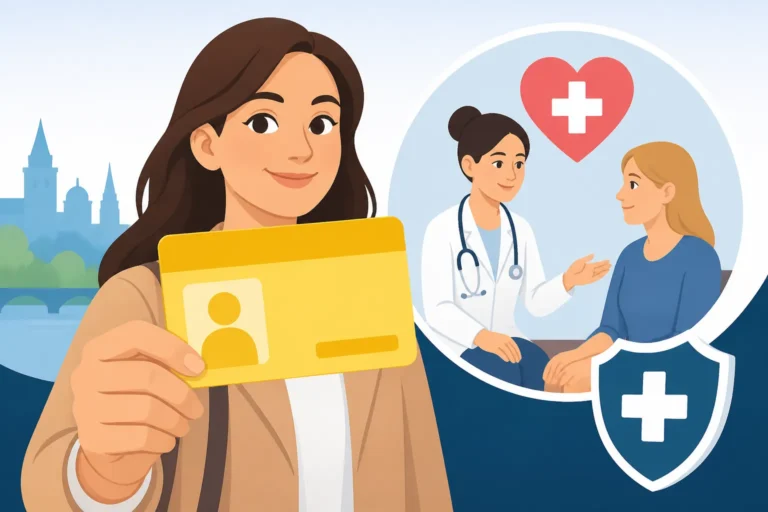
In Denmark, the "paper prescription" is a relic of the past. When your doctor prescribes medication, they "upload" it to a central cloud known as the Fælles Medicinkort (FMK). This digital prescription can then be accessed by any pharmacy in the country simply by scanning your yellow health card.
Viewing Active Prescriptions and Renewals
By using the Medicinkortet app or the "Medicinkortet" section on Sundhed.dk, you can see exactly how many refills you have left on a particular prescription. This is a game-changer for managing chronic conditions. No more guessing if you have one or two packs of asthma inhalers left at the pharmacy. The app shows the date the prescription was issued and when it expires (usually after two years for chronic meds).
If you run out of refills, you don't always need to visit the doctor in person. You can "request a renewal" (anmod om fornyelse) directly through the app. The request goes to your GP, who can approve it with a single click. I’ve found this incredibly efficient; I often request my hay fever meds while on the bus and pick them up at the pharmacy an hour later. For a deep dive into the process, check out Using the Medicinkortet App: Managing Your Prescriptions Digitally.
However, if you are a newcomer without a CPR number yet, you won't have access to this digital infrastructure. You will likely be dealing with paper prescriptions from private clinics. During this "gray period," having SafetyWing can be helpful as they understand the needs of people who aren't yet fully integrated into a national digital health system.
Understanding Pharmacy Dispensing and Digital Tracking
When you walk into an "Apotek" (pharmacy), you don't need to say a word about what you need. You scan your card, and the pharmacist sees your entire list. They will ask, "Which one are you here for today?" This central tracking prevents dangerous drug interactions. If one doctor prescribes a medication that reacts poorly with something another doctor gave you, the system often flags it.
The digital system also tracks your "Tilskud" (subsidies). The more prescription medication you buy in a calendar year, the cheaper it becomes. The system automatically calculates your discount at the counter based on your total spend across all pharmacies in Denmark. This takes the guesswork out of healthcare costs. Even if you use the digital system, some expats prefer the extra layer of financial protection offered by Cigna Global, especially if they require high-cost medications that might not be fully subsidized by the state.
One interesting quirk is that you can see which pharmacy dispensed your last pack of pills and when. If you are ever unsure if you actually picked up your refill, the digital log will tell you exactly which branch of "Apoteket" you visited. This level of transparency is excellent for keeping track of your health habits.
Bringing Medication from Abroad and Registration
If you arrive in Denmark with a history of medication from your home country, those prescriptions will not automatically appear on your Medicinkortet. You must take your foreign packaging or a letter from your previous doctor to your new Danish GP. They will then "translate" these into the Danish system and upload them to the FMK.
This is a crucial step. Do not assume you can just show a foreign box to a Danish pharmacist and get a refill. They are legally barred from dispensing based on foreign prescriptions (unless they are from the EU/EEA and meet specific criteria). Getting your history logged into the Medicinkortet is one of the first things you should do during your initial GP visit.
It is also worth noting that some medications, particularly those for ADHD or certain painkillers, are strictly regulated. Your GP may need to refer you to a specialist before they can upload these to your digital card. This is why Finding Medical Care in Denmark: GPs, Specialists, and Referrals is such an important part of your initial setup.
The Sundhedskort App: Your Digital Yellow Card
While the physical "Yellow Card" is a staple of every Danish wallet, the Sundhedskort app is the modern version that most residents use daily. It is a legal digital equivalent of your plastic card, and it carries your CPR number and the contact information for your GP.
Installing and Verifying the Digital Health Card.
The app is free to download and requires MitID for activation. Once set up, it displays a digital barcode that can be scanned at doctors' offices, hospitals, and pharmacies. I highly recommend everyone download this immediately upon receiving their CPR. It saves you from the "I forgot my wallet" panic when you realize you have a doctor's appointment.
To get started, follow the steps in How to Download the Sundhedskort App on Your Phone. The app also allows you to add your children's cards. This is particularly helpful for parents; you no longer need to keep track of three or four plastic cards when taking the whole family for their vaccinations.
I've found that the app is often updated faster than the physical mail. When I moved to a new apartment and changed my GP, the new doctor's name appeared in my app within 24 hours, while the new plastic card took nearly two weeks to arrive in the post. In a system as fast-moving as Denmark's, the digital version is always the "source of truth."
Scanning at the GP and Waiting Room Protocol
When you enter a Danish medical clinic, you will usually find a card reader near the entrance. It looks like a small tablet or a red light scanner. You must scan your digital or physical card here. This "checks you in" and notifies the doctor that you have arrived. In many clinics, if you don't scan, the doctor won't know you are there, and you will sit in the waiting room indefinitely.
The digital card also serves as your identity. Since it contains your CPR number, it is used to pull up your records instantly. If you are visiting an emergency room or a "Lægevagten" (after-hours doctor), the first thing they will ask for is "The Yellow Card." Having the app on your phone ensures you are never without it.
If you are a tourist or a short-term visitor without a CPR number, you won't be able to use the app. You will need to rely on your passport and your private insurance documents. For those in this position, SafetyWing is a popular choice because they provide clear documentation that is recognized by Danish private providers, even if you aren't in the "Yellow Card" system yet.
Dependent Access: Managing Your Children's Health Cards
One of the best features of the Sundhedskort app is the ability to manage dependents. Under the "Settings" or "Children" tab, you can pull in the digital cards of your children under 15. This is linked automatically via the CPR registry. If you are the primary caregiver registered at the same address, their cards will appear on your phone.
This is invaluable during school check-ups or unexpected trips to the pediatric emergency room. It also shows the child's GP, which might be different from yours if you chose a specific pediatrician. For more on how this fits into the broader family health landscape, see Family Health in Denmark: Pregnancy, Maternity, and Pediatric Care.
The app also displays the address of the GP's clinic and their phone number. With one tap, you can call your child's doctor. It’s these small digital conveniences that make the Danish system feel integrated once you get past the initial learning curve.
Communicating with Your GP via Digital Channels
In many countries, calling the doctor's office involves a long wait on hold. In Denmark, while phone hours exist (usually between 8 AM and 9 AM), the majority of non-urgent communication has moved to the MinLæge (My Doctor) app and the GP's own web portal.
The MinLæge App: Appointments and Consultations
The MinLæge app is perhaps the most useful tool in your health arsenal. It allows you to book appointments, see your upcoming visits, and even have video consultations. During the winter months, when the Danish "snue" (cold) is going around, being able to have a video call with your GP from your couch is a massive relief.
You can book appointments weeks in advance through the app. The interface shows the doctor's available slots, allowing you to pick a time that fits your work schedule. This avoids the awkward back-and-forth phone calls with a receptionist. For a complete walkthrough, refer to Booking a Doctor's Appointment in Denmark: MinLæge App Guide.
I remember the first time I used the video consultation feature. I was worried it would be glitchy, but it was seamless. The doctor can see your records on one screen and talk to you on the other. It is perfect for follow-ups or discussing lab results that don't require a physical examination.
When to Use Digital Messages vs. Phone Calls
The "E-konsultation" (E-consultation) feature is for short, non-urgent questions. You can write a message to your doctor—for example, asking if a certain side effect is normal or requesting a referral for a physiotherapist. The doctor has several days to reply, so it is not for emergencies.
The rule of thumb in Denmark is:
- Urgent: Call between 8 AM and 9 AM to speak directly to the doctor.
- Routine: Book an appointment via MinLæge.
- Question: Send an E-consultation.
Learning this etiquette is part of "acting like a Dane." Doctors appreciate the efficiency of digital messages because they can answer them between patients. If you send a message, you will usually get a notification in the app when the doctor replies. This reply is then saved in your medical history, which is useful for future reference.
E-mail Consultations and Non-Urgent Care
Some GPs use their own website portals instead of the MinLæge app for e-mail consultations. When you register with a GP, check their website to see which platform they prefer. Most will have a link that says "Selvbetjening" (Self-service). This is where you can also see your How to Renew a Prescription Digitally via the MinLæge App options.
It's important to be concise in these messages. Danish communication style is direct. State your problem, how long it has lasted, and what you would like the doctor to do. This ensures a faster and more helpful response. If your condition is complex, the doctor will likely reply by asking you to book a physical appointment.
For those who find the Danish digital portals a bit too impersonal or who have complex needs that require more frequent contact than the public system comfortably allows, Cigna Global provides a level of service that often includes more direct access to specialists and private practitioners who can offer longer consultation times.
Beyond the Portal: Private Insurance and Complementary Systems
While the public digital portals are world-class, they don't cover everything. There are gaps in the Danish system, particularly regarding dental care, physiotherapy, and mental health. Understanding where the digital public system ends and the private system begins is key to a healthy expat life.
When Digital Public Portals Aren't Enough
Sundhed.dk is primarily for public health data. If you go to a private dentist or a private physiotherapist without a referral, those notes might not always show up in your central "Journal" automatically. This can lead to a fragmented medical history if you aren't careful.
Furthermore, the public system operates on a "need, not want" basis. This means waiting lists for non-urgent procedures can be long. You can track these via Waiting Times in Danish Public Hospitals and Patient Rights, but often, the digital portal will simply show you a date months in the future. This is the primary reason many expats and Danes alike choose to supplement their public coverage.
I've found that for things like dental work, the public portal is almost entirely silent. Dental records are kept by individual clinics, and while there are subsidies, you won't find your x-rays on Sundhed.dk. For more on this, read Dental Care in Denmark: Costs, Subsidies, and Private Insurance Options.
Bridging the Gap with Private Expat Insurance
Private insurance acts as a "fast-track" and a "filler" for the gaps. SafetyWing is an excellent bridge for those who are just arriving and haven't yet been issued a MitID or a CPR number. They provide the coverage you need to see a doctor before you are "in the system."
For long-term residents, Cigna Global offers a more premium experience. This is especially useful if you want access to private hospitals like Aleris-Hamlet, where waiting times are shorter and the facilities are more like a hotel than a clinic. These private providers have their own digital portals, often in English, which can be a relief if you are struggling with the Danish-only interfaces of some public tools.
Many employers in Denmark also provide "Sundhedsforsikring" (Health Insurance) as a perk. This is usually through a company like Danica or PFA. These insurances often have their own apps where you can book a psychologist or a physiotherapist without a GP referral. Always check your work contract to see if you have this "hidden" digital health access.
Managing Foreign Records in a Danish Context
One of the biggest frustrations for expats is that Sundhed.dk is a "clean slate." Your 20 years of medical history from the UK, US, or India does not exist there. You are responsible for keeping your own archive of foreign records.
I recommend keeping a digital folder (like a secure Google Drive or Dropbox) with PDFs of your past surgeries, chronic diagnoses, and major test results. When you see a Danish specialist for the first time, you can show them these files on your phone or tablet. They can then manually enter the most relevant information into your Danish digital record.
If you have private insurance like Cigna Global, they often assist in coordinating care across borders, which is helpful if you are still seeing a specialist in your home country while living in Aarhus or Copenhagen. They help bridge the gap between your "old" medical life and your "new" Danish one.
Data Security and Patient Rights in a Digital-First Nation
Denmark has some of the strictest data protection laws in the world, governed by both national legislation and the EU's GDPR. While it might feel intrusive to have all your data in one portal, the security measures in place are formidable.
GDPR and Your Medical Data in Denmark
Your data on Sundhed.dk is encrypted and requires two-factor authentication (MitID) to access. The "Log" feature is your best friend here; it shows you exactly which doctor, nurse, or secretary has looked at your file and at what time. This prevents unauthorized "snooping." If you see a name you don't recognize, you have the right to ask why they accessed your data.
Healthcare professionals are only allowed to look at your data if it is relevant to your current treatment. The Danish Patient Safety Authority (Styrelsen for Patientsikkerhed) takes breaches of this very seriously. This culture of privacy is why Danes trust the system so deeply.
However, as an expat, you should also be aware of your right to "data portability." If you move away from Denmark, you can download a summary of your records from Sundhed.dk to take with you. It is a good habit to do this once a year just to have a local backup of your medical history.
Accessing Historical Records and Correcting Errors
Errors can happen. Perhaps a blood type was recorded incorrectly, or a diagnosis from ten years ago is no longer relevant. You have the legal right to request corrections to your medical records. You cannot "delete" a doctor's opinion, but you can have a note added to the file clarifying your position or correcting a factual mistake like an allergy.
To do this, you usually need to contact the specific hospital department or the GP who wrote the note. The digital portal doesn't have an "edit" button for patients; it is a read-only interface for us. This is where Understanding Patient Compensation (Patienterstatningen) in Denmark becomes relevant if an error in your digital record leads to incorrect treatment.
The transparency of the "E-journal" means you are often reading notes that were never intended for a layperson's eyes. It can be jarring to see yourself described as "obese" or "anxious" in clinical terms. Remember that these are tools for doctors, not personal judgments.
Translators and Language Accessibility in Digital Health
The biggest hurdle with Sundhed.dk and MitID for many is the language. While the main landing pages of Sundhed.dk have English summaries, the actual "Journal" and "Laboratoriesvar" are almost exclusively in Danish.
You have a right to an interpreter for physical or video consultations if you do not speak Danish well enough to understand your treatment. This is often covered by the state for the first few years of residency. You can find more details in Translators in Danish Healthcare: Your Right to an Interpreter.
Digitally, most expats rely on browser-based translation tools. While they aren't perfect, they are usually enough to get the gist of a lab result or an appointment time. Over time, you will learn the key words: blodprøve (blood test), henvisning (referral), recept (prescription), and aflyst (cancelled). Mastering these few words will make the digital portals feel much less intimidating.
Disclaimer
The information provided in this guide is for educational and informational purposes only. While I strive to keep the details accurate and up to date with the latest 2026 regulations in Denmark, the Danish healthcare system and digital portals like MitID and Sundhed.dk are subject to frequent administrative changes. This guide does not constitute legal or professional medical advice. Always consult with your General Practitioner (GP) or the relevant Danish authorities (SIRI, Borgerservice, or Sundhedsdatastyrelsen) for official guidance regarding your specific situation. Reliance on any information provided in this article is solely at your own risk.