How to Renew a Prescription Digitally via the MinLæge App
Realizing you have only two pills left in your blister pack on a Friday afternoon is a uniquely Danish form of stress. I remember the cold sweat I felt during my first year in Aarhus, realizing I’d missed the GP's phone hours and faced a weekend of anxiety. This guide solves the prescription panic by teaching you to master the MinLæge app for digital renewals.
Understanding the Digital Prescription Landscape in Denmark
Navigating the Danish healthcare system often feels like learning a new language, even if your Danish is already decent. The system is built on a foundation of "digital-first" efficiency, which is fantastic once you know the secret handshakes, but incredibly isolating when you don't. In Denmark, your General Practitioner (GP) acts as the ultimate gatekeeper. Unlike in some countries where you might have a standing relationship with a pharmacist who can nudge a refill through, here, everything must flow through The Role of the GP: Why You Cannot Go Directly to a Specialist model.
The MinLæge (My Doctor) app is the primary bridge between you and your GP's office. It isn't just a fancy wrapper for a website; it is a direct line to your medical records and the electronic "cloud" where all Danish prescriptions live. When you request a renewal, you aren't just sending an email; you are interacting with the Fælles Medicinkort (FMK), the national shared medicine card database. This digital integration is why you can eventually walk into any Pharmacies in Denmark: Apotek Rules, Prescriptions, and Subsidies across the country, from a tiny shop in Skagen to a 24-hour pharmacy in Copenhagen, and have your medicine ready just by scanning your yellow card.
However, the "I've-been-there" reality is that the app can be finicky. It relies heavily on your Understanding CPR Registration and Your Healthcare Entitlement being fully processed. If you are still in that limbo period where you are waiting for your residence permit, you might feel stuck. This is where having private backup like SafetyWing can be a lifesaver for travelers or those in the middle of a move. For long-term expats who want to bypass the public system's occasional digital hiccups, Cigna Global offers a level of private care that often includes more direct communication with specialists.
Prerequisites for Using the MinLæge App
Before you can even think about clicking "Renew," you need your digital house in order. Denmark does not do "guest logins" for health services. You are either in the system, or you are invisible.
The MitID Requirement
Everything in Denmark starts and ends with MitID. If you don't have this digital signature set up yet, the MinLæge app will be nothing more than a blue icon on your phone. MitID is the security layer that ensures nobody else can order heart medication or birth control in your name. I spent three hours at the Citizen Service (Borgerservice) once because I locked myself out of my digital ID, and let me tell you, that is a day of my life I’ll never get back. Ensure your MitID app is updated and that you know your PIN or have biometrics enabled.
The Yellow Health Card and GP Registration
You must be formally registered with a specific doctor. This is the name printed on your physical Sundhedskort. When you open MinLæge, it automatically pulls your GP’s information based on your CPR number. If you haven't received your card yet, check out How Long Does It Take to Receive the Yellow Card in the Mail? to manage your expectations. If you find that your current GP is always "too busy" to approve renewals quickly, you might want to look into How to Choose and Change Your General Practitioner (GP) in Denmark to find a clinic that better suits your needs.
Active Prescriptions vs. New Needs
It is vital to understand that MinLæge is for renewing medications you have been prescribed before for a chronic or ongoing condition. If you have a new cough, a weird rash, or a sudden pain, you cannot "request" a new medicine through the app. You will need to Booking a Doctor's Appointment in Denmark: MinLæge App Guide to actually see the doctor. The digital renewal feature is strictly for your "Fast Medicin" (regular medicine) list.
Step by Step Guide to Renewing via MinLæge
Once you have the app installed and you’ve logged in with MitID, the process is designed to be three clicks away, but there are nuances that can trip you up.
Step 1: Accessing the Medicine Tab
Open the app and look for the icon labeled "Medicin" at the bottom. This section displays your current "Medicine Card." It’s a list of every prescription that is currently "active" in the national system. If a medication is missing from this list, it usually means the prescription has expired or the doctor has archived it. In that case, the app won't let you renew it, and you'll have to send a text message to the doctor via the app's "E-konsultation" feature to ask why.
Step 2: Selecting Your Medication
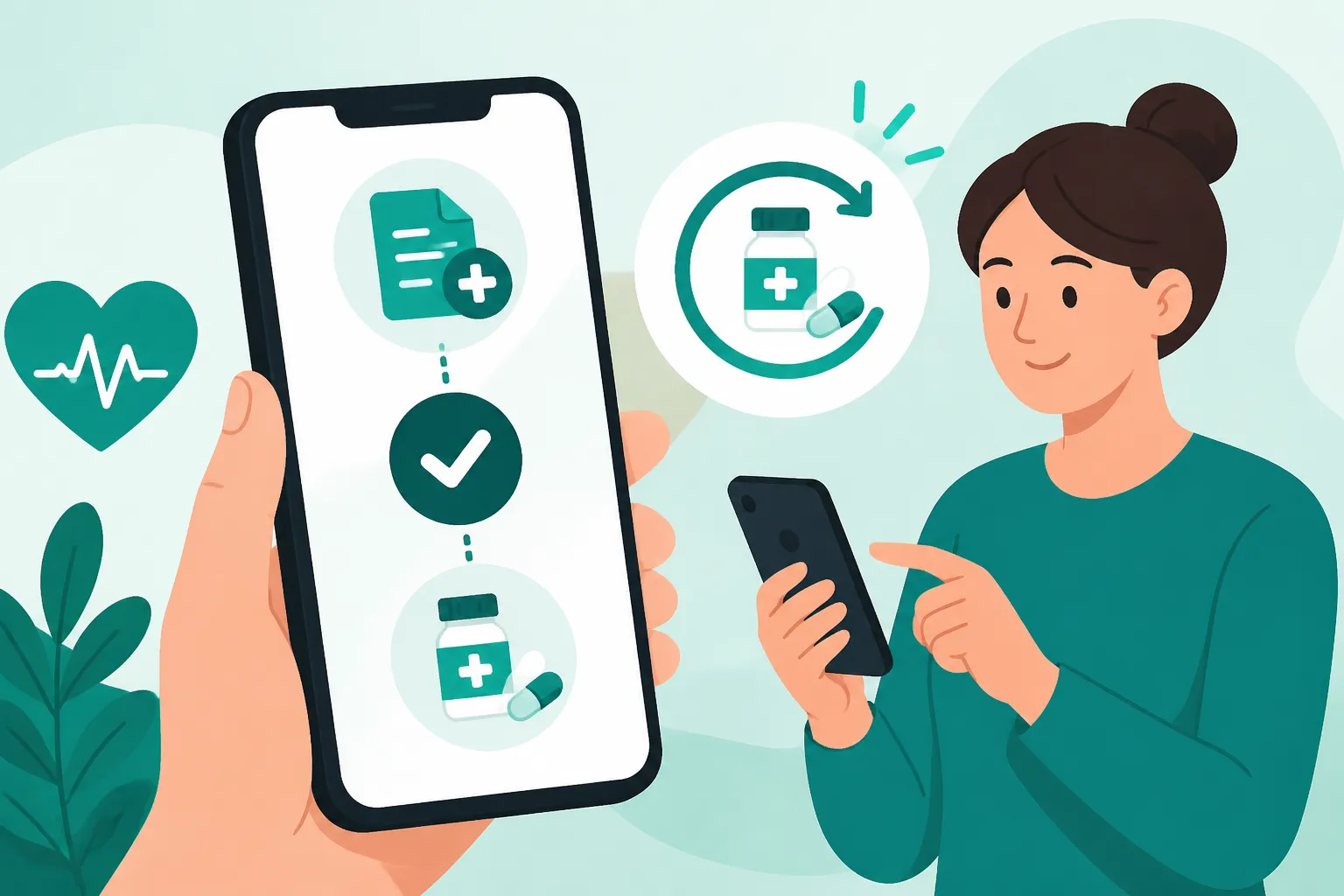
Scroll through your list. You will see the name of the drug, the dosage, and the date it was last prescribed. Next to eligible medications, there will be a "Forny" (Renew) button. When you click this, the app doesn't immediately send the order to the pharmacy. Instead, it sends a request to your GP’s secretary or the doctor themselves to review.
Step 3: Adding a Note
It is wise to add a brief note if the app allows it. For example, if you are requesting your Buying Birth Control Pills in Denmark: Costs and GP Consultations, you might write, "Requesting a 6-month supply as usual." Being clear helps the clinic staff process your request without having to call you back for clarification.
Step 4: Confirmation and Waiting
After you submit, the status will change to "Afventer" (Pending). This is the part that tests your patience. Most clinics take 24 to 48 hours to approve a request. They don't work on weekends, so a request sent on Friday afternoon often won't be touched until Monday or Tuesday. If you are a digital nomad or an expat who hasn't yet integrated into the Danish system, companies like SafetyWing provide travel medical insurance that can cover urgent needs while you're waiting for these administrative wheels to turn.
Troubleshooting Common MinLæge Errors
It would be too easy if it worked 100% of the time. Many users have seen the "Technical Error" screen more times than they would like.
- The "Greyed Out" Button: If the "Forny" button is greyed out, it’s usually because you still have "undispensed" refills available. In Denmark, a doctor might write a prescription for "1 pack, 3 times." This means you can go to the pharmacy three separate times before needing a renewal. Check the Using the Medicinkortet App: Managing Your Prescriptions Digitally to see if you actually have refills left that you just haven't used yet.
- The Missing Medication: If a drug you’ve taken for years suddenly vanishes from the app, it’s likely because of a "system cleanup." Doctors periodically "hide" medications that haven't been renewed in over a year. You’ll need to use the "Besked" (Message) function in the app to ask your GP to "re-open" that specific medication on your card.
- Clinic Closed Status: If your GP is on holiday, the app might show the clinic as "Lukket." Usually, they designate a "Vikar" (substitute doctor). The app should ideally redirect your request, but often it just blocks the renewal. In these cases, you actually have to call the substitute doctor's office.
For those who find the public system’s technical hurdles too burdensome, especially when dealing with complex chronic conditions, private options like Cigna Global can offer a more personalized "concierge" feel to medical management, often bypassing the more rigid digital requirements of the public GP system.
Comparison of Digital Health Access Options
| Feature | MinLæge App (Public) | Sundhed.dk (Web Portal) | Private Insurance (e.g., Cigna) |
|---|---|---|---|
| Primary Use | Daily GP communication | Deep medical history/records | Fast-track specialist access |
| Prescription Renewal | Yes, direct with GP | Yes, via FMK link | Often via private GP service |
| Login Method | MitID | MitID | Policy Number/App Login |
| Cost | Free (Tax-funded) | Free (Tax-funded) | Monthly Premium |
| Waiting Time | 1-3 Business Days | 1-3 Business Days | Often same-day via Telehealth |
| Best For | Routine refills/GP messages | Viewing lab results/scans | High-speed, English-first care |
Picking Up Your Medication at the Apotek
Once the status in MinLæge changes to "Godkendt" (Approved), the medicine is "in the cloud." You don't need a paper slip. You don't even need your phone if you have your physical yellow card.
The Magic of the Yellow Card
When you walk into an Apotek, you’ll usually find a kiosk where you scan your yellow card to get a number. When it’s your turn, the pharmacist scans your card again. Your entire digital medicine cabinet pops up on their screen. They will see the approved renewal and pull the box from the shelf. If you’re curious about what you’ll pay at the counter, it’s worth reading How Medication Subsidies (Tilskud) Are Calculated at the Apotek because the price of the same medicine can change month to month based on "price periods."
Dealing with Out-of-Stock Medicine
Sometimes, the specific brand your doctor prescribed isn't in stock. Danish law requires pharmacists to offer you the cheapest generic equivalent. Don't be alarmed if the box looks different; the active ingredient is the same. However, if you are picky about brands, you can use the app to see which nearby pharmacies have your specific medication in stock before you make the trip.
Picking Up for Others
One of the best "hacks" in the Danish system is that you can pick up prescriptions for your spouse or children. You just need their CPR number. You don't even need their physical card in most cases, though having a photo of it on your phone helps. This is a lifesaver when your partner is stuck at work and you’re already passing the pharmacy.
When the App Isn't Enough: Emergency Refills
If you find yourself at 8:00 PM on a Saturday with zero pills left and a "Pending" request in the app, do not wait for the app to update. It won't.
In these situations, you need to step outside the MinLæge ecosystem. Your first port of call should be Emergency vs. Out-of-Hours Care: When to Call Lægevagten (1813). The "Lægevagt" (out-of-hours doctor) can issue emergency "one-time" prescriptions to get you through until Monday. Be prepared to explain exactly why you need the medicine and have your ID ready. They generally only do this for "life-critical" medications—don't expect them to renew a vitamin prescription or a non-urgent skin cream.
If you are a traveler using SafetyWing, you might also have access to 24/7 telehealth services that can provide guidance or even help coordinate with local pharmacies if your digital access is failing. Similarly, Cigna Global members often have a dedicated helpline that can assist in navigating local pharmacy bottlenecks.
Managing Your Health Records Long-Term
Renewing a prescription is just one part of the puzzle. To really stay on top of your health in Denmark, you should pair the MinLæge app with Sundhed.dk and MitID: Navigating Denmark’s Digital Health Portals. While the app is great for the "right now" tasks, the Sundhed portal is where you can see your blood test results, specialist notes, and even your "vaccination pass."
I’ve found that being proactive is the only way to survive the Danish system. If you see your "Refills Remaining" count hitting zero on your medicine card, don't wait until the bottle is empty. Request the renewal two weeks early. The system allows it, and it gives you a buffer for those weeks when your GP might be at a conference or the app is undergoing maintenance.
Remember, the Danish system assumes you are an "autonomous patient." They expect you to monitor your own supplies and use the digital tools provided. It can feel cold and bureaucratic at first, but once you’ve successfully picked up that first "Approved" prescription without speaking a word of Danish to your doctor, you’ll realize how powerful this digital autonomy can be.
Healthcare Disclaimer
The information provided in this guide is for educational and informational purposes only and is not intended as medical advice. Healthcare regulations and digital systems in Denmark are subject to change. Always consult with a qualified healthcare professional or your registered General Practitioner (GP) regarding medical conditions or prescriptions. If you are experiencing a medical emergency, dial 112 immediately. The author and publisher are not responsible for any issues arising from the use of the MinLæge app or the Danish healthcare system. Always verify current procedures with official sources such as Borger.dk or Sundhed.dk.