What to Do If You Lose Your MitID Access and Are Locked Out
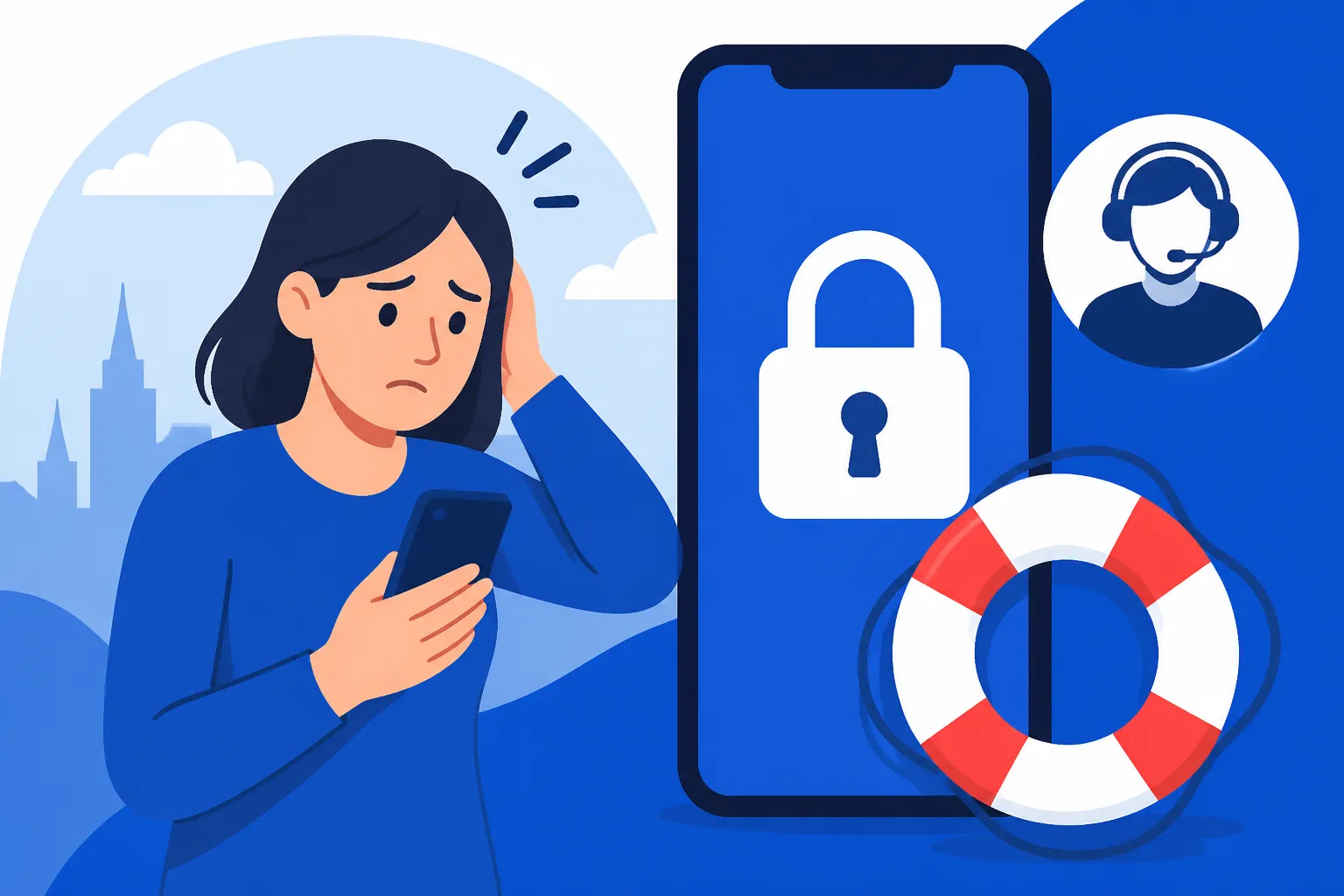
Getting locked out of your MitID is more than just a minor inconvenience; in the highly digitized society of Denmark, it effectively freezes your ability to function, from paying bills to accessing your medical records. This guide provides a comprehensive roadmap for recovering your access, navigating the bureaucratic hurdles of Borgerservice, and ensuring you never face a digital blackout again.
The Digital Gatekeeper: Why MitID Access is Non-Negotiable
If you have lived in Denmark for more than a week, you already know that MitID is the heartbeat of your administrative existence. Unlike other countries where a physical ID or a simple password might suffice, the Danish system relies almost entirely on this secure digital identity. When you lose access—whether because you forgot your PIN, lost your phone, or the app simply decided to "block" you after too many failed attempts—you are effectively cut off from society.
You cannot check your digital post, which means you might miss critical letters regarding your residency or tax status. You cannot log into Sundhed.dk and MitID: Navigating Denmark’s Digital Health Portals to see your lab results or book a doctor’s appointment. Even your finances are hit hard; most Danish banks will not allow you to authorize a transfer or even view your balance without a MitID swipe. This is particularly stressful if you are also trying to manage international obligations. For instance, if you are using services like Taxes for Expats to handle your dual-taxation filings, you may need to pull data from the Danish tax authority (SKAT), which is impossible without a working MitID.
The frustration is real. I remember a cold Tuesday in Aarhus when my phone fell into a puddle, taking my MitID access with it. I couldn't even buy a bus ticket home because my banking app was locked. This guide is born out of those "boots-on-the-ground" frustrations, designed to get you back online as quickly as possible.
Recovery Path 1: Using the MitID App and Your Passport
The most "painless" way to regain access is through the MitID app itself, provided you have a valid passport with a hidden chip (an e-passport) and a smartphone with NFC capabilities. This method allows you to bypass a physical visit to a government office, which is a lifesaver if you live far from a city center or cannot find a free appointment slot.
How the "Paspil" Passport Scan Works
Within the MitID app, there is a feature designed to verify your identity by scanning your passport and your face. This isn't just taking a photo; the app uses the NFC reader in your phone to "talk" to the chip inside your passport.
- Open the App on a New Device: If you have a new phone, download the MitID app.
- Select "Activate MitID": Choose the option that indicates you already have MitID but need to activate it on a new device.
- Scan the Passport: You will be prompted to hold your phone against your passport. This can be notoriously finicky. You often have to remove your phone case and move the phone slowly over the cover or the photo page until it "catches" the chip.
- Face Scan: The app will then perform a 3D face scan to match you against the biometric data in the passport chip.
If this works, you can create a new user ID or PIN immediately. However, many expats find that their foreign passports are not always recognized by the Danish system, or their phones lack the specific NFC strength required. If you find yourself stuck here, don't keep trying until the app blocks your passport—it's time to move to the physical recovery route.
When the App Isn't Enough
Sometimes the app will tell you that your identity cannot be verified, or you might have changed your name recently, causing a mismatch with the National Register (CPR). In these cases, digital recovery is a dead end. This is a common pain point when people are also Opening a Bank Account in Denmark: Document Checklist and Delays, as the bank cannot proceed without a fully verified MitID. If your digital recovery fails, your next step is the municipality.
Recovery Path 2: Visiting Borgerservice (Citizen Service)
When the digital path fails, you must go to Borgerservice. This is the physical office located in your local "Kommune" (municipality). Think of it as the DMV, but significantly more efficient—provided you have an appointment.
Booking Your Appointment
You cannot simply walk into Borgerservice in most major cities like Copenhagen or Aarhus. You must book an appointment online via Borger.dk. This presents a classic Danish "Catch-22": you often need MitID to log in and book an appointment, but you are going to the appointment because you don't have MitID.
To solve this, look for the "Book tid" (Book time) button on your municipality’s website that does not require a login. Most municipalities have a specific category for "MitID help." If you cannot find an appointment for several weeks, try checking the websites of neighboring municipalities. You are generally allowed to visit any Borgerservice in the country for MitID issues, not just the one where you live.
What Documents to Bring
Do not show up empty-handed. To reset your MitID, the clerk must be 100% certain of your identity. You will need:
- Your valid passport (or national ID card with a photo, if you are an EU citizen).
- Your The Yellow Health Card (Sundhedskort): Your Key to Danish Healthcare to prove your CPR number.
- If you don't have a passport, you may need a "witness" (vitterlighedsvidne). This is someone over 18 with a valid MitID who has known you for at least several months and can sign a legal declaration that you are who you say you are.
The Activation Code
Once the clerk verifies your identity, they will give you an activation code. You will use this code in the MitID app to "re-onboard" yourself. Do not leave the building until you have successfully logged into the app while standing at the counter. The staff are used to the app being temperamental and can help you troubleshoot on the spot.
Comparing Recovery Methods
| Feature | Passport Scan (App) | Borgerservice Visit |
|---|---|---|
| Speed | Instant (if it works) | 30 minutes + travel time |
| Availability | 24/7 | Business hours only |
| Cost | Free | Free |
| Requirements | NFC Phone + E-Passport | Physical ID + Appointment |
| Success Rate | Moderate (variable by phone/passport) | High (Guaranteed) |
| Best For | Tech-savvy users with new phones | Blocked accounts and ID mismatches |
Financial Survival During a MitID Lockout
Being locked out of MitID means being locked out of your Danish bank account. This is where the veteran expat's "backup plan" becomes vital. If you rely solely on a traditional bank, a lockout can mean you can't even buy groceries.
It is wise for new arrivals to maintain a secondary, non-Danish account. Using a service like Wise is a brilliant workaround. Because Wise operates independently of the MitID system for its internal login, you can still access your funds, pay for things with your Wise card, and receive transfers even while your Danish account is a digital fortress you can't enter. This ensures that a technical glitch doesn't turn into a financial crisis.
Furthermore, if your lockout happens during tax season, it can delay your ability to update your Preliminary Tax Assessment (Forskudsopgørelse): Avoiding Tax Debt. If you are working with professional tax preparers like Taxes for Expats, they can often help you understand your obligations, but they will still need you to eventually regain access to SKAT to pull official records.
Preventing Future Lockouts: The Multi-Device Strategy
Once you have regained access, your primary goal should be to ensure this never happens again. The most common reason for a lockout is losing a phone that held the only "active" version of the app.
Register Multiple Devices
The MitID system allows you to have the app active on up to three devices. If you have an old smartphone or a tablet, install the MitID app on it as a backup. If your main phone breaks, you can use the secondary device to authorize the setup of a new phone. This eliminates the need for Borgerservice entirely.
Get a MitID Code Display or Token
For those who want a physical backup, you can order a MitID Code Display (a small electronic device that generates codes) or a MitID Token. These are physical "fobs" that don't rely on a smartphone. While the app is more convenient, having a Code Display in your desk drawer is the ultimate insurance policy against a dead phone battery or a software crash.
Keep Your Contact Info Updated
Ensure your phone number and email are correctly registered within the MitID system. This is crucial for receiving notifications and security alerts. You can manage these settings when you are logged into the MitID website. Regularly Navigating the Digital Post (e-Boks/Mit.dk) system for Official Mail will also ensure you see any warnings from the MitID authorities about expiring certificates or required updates.
Managing Your Administrative Life Post-Recovery
Once your MitID is back online, you should take a moment to "audit" your digital presence. Start by checking E-Boks vs. Mit.dk: Receiving Official Financial Mail from the State to see if you missed any important correspondence during your "dark" period.
If you are a student or a worker, check your bank to ensure no scheduled payments were missed. Some Traditional Banks vs. Digital Banks (Lunar): Which is Best for Expats? have different protocols for how they handle "stale" logins after a long lockout. You might need to re-verify your identity within the banking app itself using your newly restored MitID.
Finally, remember that the Danish system is designed to be secure, not necessarily convenient for the user. While it feels like a personal attack when the app blocks you, it is part of a robust infrastructure that keeps your data safe. Treat your MitID with the same care you would your physical passport—it is, in every sense, your digital passport to life in Denmark.
Disclaimer
The information provided in this guide is for informational purposes only and does not constitute legal or official government advice. The MitID system and Danish administrative procedures are subject to change. For the most current requirements and official support, please consult the official MitID.dk website or contact your local municipality's Borgerservice.