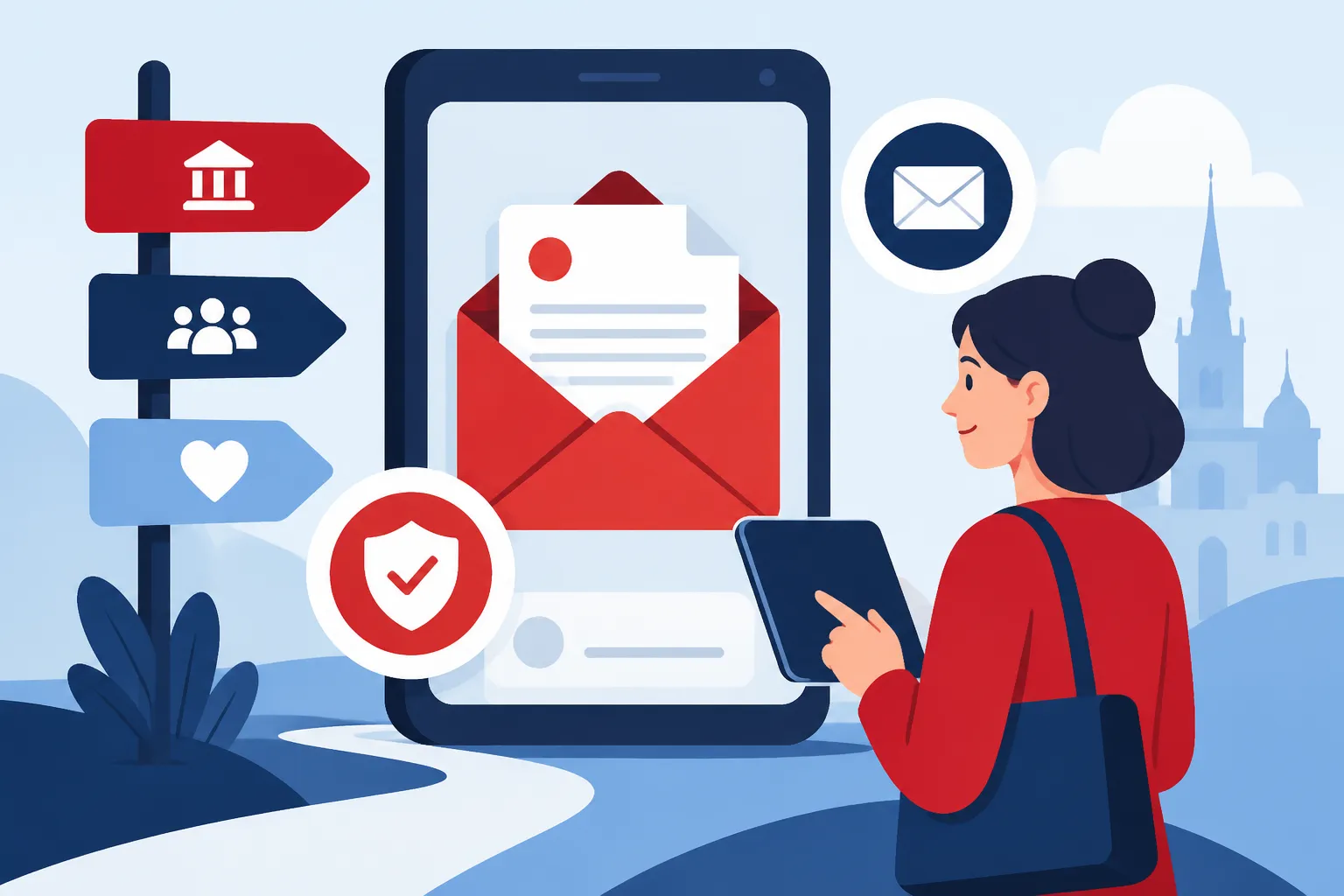
Navigating the Digital Post (e-Boks/Mit.dk) System for Official Mail
Alright, let's talk about something that can feel like a digital black hole when you first move to Denmark: the digital post system. You've just arrived, perhaps you're juggling your CPR Registration Rule: Why Your Address Matters application, and then someone casually mentions "e-Boks" or "Mit.dk" for official mail. Suddenly, you realize that Denmark, with all its efficiency, has essentially replaced snail mail for anything important, and if you don't navigate this system, you're going to miss out on crucial information from the government, your employer, and even your bank. This guide is here to demystify digital post, help you get set up, and avoid those panicked moments of "Did I miss something important?"
The Digital-First Mentality: Why Official Mail Isn't Paper Anymore
When you move to Denmark, one of the first things you'll realize is just how incredibly digital everything is. It's a country that prides itself on efficiency and transparency, and a huge part of that is its commitment to digitalization, especially in public services. For expats, this can be a bit of a shock, as many of us are used to receiving formal letters through the post office. Here, that’s largely a thing of the past for official communications.
The Danish Push for Digitalization: No More Snail Mail
The Danish government has made a concerted effort over the past decade to move all official communication from paper to digital. This isn't just about saving trees or postage; it's about creating a streamlined, secure, and easily accessible system for citizens to interact with public authorities. For you, the expat, this means that once you have your all-important CPR number and get linked into the digital infrastructure, virtually every official letter will land in your digital mailbox rather than your physical one. Think tax assessments from SKAT, updates from your municipality (kommune), notifications from Udbetaling Danmark (the public benefits administration), and even health-related information from your GP or hospital. If you're still waiting for your CPR and living in temporary accommodation, perhaps arranged through a platform like Spotahome, it's a good time to mentally prepare for this shift. You won't be checking a physical mailbox for that first important tax letter; it'll be online.
This digital-first approach means that you are legally obligated to receive and read digital mail from public authorities. There are very few exceptions, usually only for those with documented severe disabilities or for elderly citizens who specifically request exemption. For the vast majority of expats, opting out isn't an option. It's simply the way things are done here, and embracing it is key to a smooth life in Denmark. It might feel overwhelming at first, but once you're set up, you'll likely appreciate the convenience and speed.
e-Boks vs. Mit.dk: Unpacking the Differences
This is where it can get a little confusing, even for long-term residents. For many years, e-Boks was the go-to platform for digital post in Denmark. It still exists, and you'll still receive a lot of important mail there. However, the public sector has transitioned to a new, unified digital post solution called Mit.dk.
Here’s a breakdown of how they generally differ:
- e-Boks: This platform has been around for ages and acts as a secure digital mailbox for documents from both public and private senders. You'll still receive mail from many private companies and organizations via e-Boks, such as your bank statements, utility bills (from private providers), pension fund statements, and even communication from your union if you've joined one, like IDA or DJØF. While public authorities are largely moving away from it, some might still send older types of correspondence there, or it might be used by entities that interact with both public and private sectors. It’s a very established system, and many Danes still use it daily.
- Mit.dk: This is the newer, official digital post platform specifically for communication from public authorities. This includes your municipality, SKAT (the tax agency), Sundhed.dk (the national health portal), hospitals, Udbetaling Danmark, and basically any other government entity. Mit.dk was rolled out to provide a more consistent and secure experience for critical public sector communication. Its interface is generally more modern and integrated with other public digital services.
Think of it this way: e-Boks is like a general-purpose digital inbox that many different businesses and some lingering public bodies use, while Mit.dk is the official government mailbox. When in doubt about a public authority communication, Mit.dk is usually where it will land. It's crucial to check both, especially during a transitional period or if you have older affiliations, but increasingly, Mit.dk will be your primary point of contact for anything directly from the state. You’ll need to set up access to both to ensure you don’t miss a thing.
Getting Set Up: From CPR to MitID to Your Digital Mailbox
The journey to accessing your digital post officially begins with two fundamental Danish digital pillars: your CPR number and MitID. Without these, you're pretty much stuck in the analogue past, which won't work for official communication in Denmark.
Your CPR Number and MitID: The Gateway to Digital Post
First things first, that ten-digit personal identification number, the CPR number, is the key to pretty much everything in Denmark, including your digital post. It’s what links you to the public administration system. Once you have your Understanding CPR Registration and Your Healthcare Entitlement, the Danish state knows you exist and can start sending you official communications.
However, the actual access to these digital communications relies entirely on MitID. MitID is Denmark's new digital ID system, replacing the older NemID. It's your digital signature, your password for everything from online banking to viewing your health records on Sundhed.dk, and yes, for logging into your digital post. If you're struggling to get your MitID set up, perhaps you just arrived and don't have a local SIM card yet, consider using an eSIM from a provider like Airalo to ensure you have a stable internet connection and a local number (if needed for verification steps) to get through the registration process. This is absolutely critical. Without a functional MitID, you cannot log into e-Boks or Mit.dk.
The process of getting MitID typically involves:
- Having a valid Danish passport or a residence permit card (or other approved ID).
- Having a working Danish phone number.
- Visiting a citizen service center (Borgerservice) to get your identity verified if you cannot activate it purely online using your passport (which is often the case for new arrivals).
- Downloading the MitID app on your smartphone or tablet. This app will be your primary method for approving logins and signing documents. You can also use a code display or code reader, but the app is by far the most common and convenient.
Once your MitID is active, it links directly to your CPR number, and this is what allows the digital post system to identify you and grant you access to your personal digital mailbox. This seamless integration is why NemKonto and MitID: The Core of Danish Digital Finance (2027) are so crucial for your financial and administrative life here.
Activating Your Digital Mailbox: What to Expect After CPR
The good news is that for public sector digital post (Mit.dk), the activation is largely automatic once you have your CPR number and a functional MitID. The system registers your digital mailbox when you register your official address with your municipality.
Here's the general flow:
- Register your CPR and address: This is the very first step when you move to Denmark. Your municipality processes this.
- Obtain MitID: As discussed, this is essential for accessing all digital services.
- Automatic Digital Post Setup: Once your CPR and MitID are active, the system assumes you are ready for digital post from public authorities. You don't usually need to "sign up" for Mit.dk; it's just there, waiting for you to log in with your MitID. For e-Boks, you might need to create an account or link your MitID, but it's typically straightforward.
- Notifications: Critically, you need to ensure you set up notifications. Often, these systems don't automatically send an email or SMS notification that you've received new mail. You'll need to log into Mit.dk (and e-Boks) and actively add your preferred email address and phone number to receive alerts. This is absolutely vital to avoid missing important deadlines or information. Imagine missing your Preliminary Tax Assessment (Forskudsopgørelse): Avoiding Tax Debt because you didn't know it arrived!
A word of warning: While the system is efficient, it’s not always instantaneous. There might be a short delay between getting your CPR and being fully integrated into the digital post system. During this period, some older systems might still send physical letters, or you might find yourself in a waiting game. Always keep an eye on your physical mailbox if you haven't received official digital communications yet, especially in your first few weeks. But quickly shift your focus to digital as soon as you have your MitID.
Navigating Your Digital Postbox: What to Expect and How to Manage It
Once you're all set up with your CPR and MitID, and you've logged into Mit.dk and e-Boks for the first time, you might feel a mix of relief and slight apprehension. What's inside this digital Pandora's Box, and how do you even begin to manage it all?
Reading and Responding to Official Mail
Both Mit.dk and e-Boks are designed to be relatively user-friendly, presenting your mail in an organized inbox format. However, the content itself can sometimes be dense, technical, and almost always in Danish.
When you log in, you'll see a list of received documents, typically sorted by date. Each entry will show the sender and a brief description of the document.
- Opening and Reading: Click on a document to open it. It will usually be a PDF file. Take your time to read it carefully. If your Danish isn't strong yet, this is where Google Translate or a friend with better Danish becomes your best friend. Do not just skim important documents from SKAT or Udbetaling Danmark.
- Understanding Importance: Not all mail is equally critical, but it's all important. Look for deadlines, requests for information, or important decisions that affect your finances, health, or residency status.
- Responding: Sometimes, digital post will require you to take action. This might be:
- Providing information: You might receive a link to Borger.dk or another government portal where you need to input data.
- Signing documents: With MitID, you can digitally sign documents directly within the platforms, making administrative tasks much quicker.
- Appealing decisions: If you disagree with a decision, the digital post will usually outline the process for appeal, often involving another digital form or portal.
- Saving Documents: While the platforms securely store your mail, it's a good practice to download and save copies of particularly important documents (like tax assessments, contracts, or crucial visa-related correspondence) to your personal computer or cloud storage. This provides an extra layer of backup.
Remember, the responsibility to read and understand this mail falls squarely on you. Ignorance of the Danish language is generally not accepted as an excuse for missing deadlines or not complying with instructions in official communications.
Delegation and Notifications: Managing Your Account
To avoid missing crucial updates, setting up proper notifications is your first line of defense.
- Email and SMS Notifications: Both Mit.dk and e-Boks allow you to add your email address and phone number to receive alerts when new mail arrives. Do this immediately. Without these, you'd have to manually log in every day to check for new mail, which is simply not sustainable. Ensure these contact details are up-to-date, especially if you get a new phone number.
- Delegation of Access: This feature is particularly useful for families or in situations where one person manages administrative tasks for another. You can, in theory, grant another person (e.g., your spouse) access to your digital post. This means they can log in with their own MitID and view your mail. However, there are nuances:
- MitID is personal: While someone can view your mail, many actions (like digitally signing or responding to specific inquiries) will still require your personal MitID approval.
- Trust is paramount: You should only delegate access to someone you implicitly trust, as they will have access to all your highly sensitive personal information.
- Complexity for Expats: For many expats, this can be complex due to varying family structures or if both partners are new to Denmark and learning the ropes simultaneously. It's often simpler to manage your own, at least initially.
- Moving Addresses: Whenever you change your address in Denmark, even if it's just across town, it’s critical to remember that this update also affects your digital mail. While your digital post account itself doesn't change, the address details associated with your CPR, which public authorities rely on, will. Always ensure you Changing Your CPR Address via Borger.dk When You Move promptly, as this is how the system keeps track of your official residency.
Understanding Important Senders: SKAT, Udbetaling Danmark, Your Municipality
Knowing who is sending you mail and what kind of information to expect can help you prioritize and avoid unnecessary panic.
Let's break down some of the main players you'll encounter in your digital inbox:
- SKAT (The Danish Tax Agency): These are arguably the most critical. You'll receive your Understanding SKAT: Forskudsopgørelse vs. Årsopgørelse Explained (preliminary tax assessment) and your årsopgørelse (annual tax assessment notice) here. They will also send requests for additional information, reminders about tax deadlines, or notices about tax refunds or debts. Do NOT ignore anything from SKAT.
- Udbetaling Danmark: This agency handles various public benefits, such as child benefits (børne- og ungeydelse), sickness benefits (sygedagpenge), and some pension-related matters. If you're eligible for or receiving any of these, Udbetaling Danmark will be a regular sender in your digital mailbox.
- Your Municipality (Kommune): Your local municipality handles a wide array of services. You might receive mail about:
- Childcare: Information regarding daycare placements (vuggestue/børnehave) or subsidies.
- Housing: Notifications about housing benefits (boligstøtte) or specific local regulations.
- Health: Depending on the service, some health-related communications might come from the municipality, for example, regarding public health visitors for new parents.
- Official registrations: Confirmations of address changes, CPR registration, or other administrative updates.
- Healthcare Providers (Hospitals, GPs via Sundhed.dk): While you might not get direct mail from your GP, information related to hospital appointments, test results, or referrals will often appear on Sundhed.dk and MitID: Navigating Denmark’s Digital Health Portals. While not strictly "digital post" in the e-Boks/Mit.dk sense, Sundhed.dk uses your MitID for access and serves as your central health portal, often showing documents that are simultaneously sent to your official digital post.
- Trade Unions and A-Kasse: If you join a Trade Unions and A-Kasse: Why Every Expat Must Understand Them, much of their communication – membership fees, updates on your unemployment insurance, eligibility for benefits – will also be sent to your e-Boks.
Table: Common Senders and What They Send
| Sender | Platform (Primary) | Common Mail Type | Importance |
|---|---|---|---|
| SKAT | Mit.dk | Tax assessments (Forskudsopgørelse, Årsopgørelse), tax refunds/debts, requests for income information | Extremely High (Financial & Legal) |
| Udbetaling Danmark | Mit.dk | Child benefits, sickness benefits, pension information, social security updates | High (Benefits & Social Security) |
| Municipality | Mit.dk | Address confirmations, childcare info, housing benefits, local taxes, official registrations | High (Local Administration & Services) |
| Hospitals/Regions | Mit.dk / Sundhed.dk | Appointment confirmations, test results, referral letters, medical information (accessed via Sundhed.dk, often linked) | High (Health & Medical) |
| Banks | e-Boks | Bank statements, loan agreements, annual reports, service updates | High (Financial) |
| Utility Providers | e-Boks | Electricity, water, heating bills, consumption statements | Medium-High (Household Finances) |
| A-Kasse / Union | e-Boks | Membership fees, unemployment benefit updates, course invitations, collective agreement info | Medium-High (Employment & Financial Security) |
| Pension Funds | e-Boks | Annual pension statements, investment updates | Medium (Long-term Financial Planning) |
This table gives you a quick overview, but always treat any digital mail with seriousness.
Troubleshooting and Best Practices for Expats
Even with the best intentions, navigating the digital post system as an expat can throw up some unique challenges. It's not always smooth sailing, and it's essential to know how to troubleshoot and what best practices to adopt to stay on top of your official communications.
"I Haven't Received Anything!": Common Expat Issues
This is a frequent refrain from new arrivals, and it's completely understandable. Here are some reasons why your digital mailbox might seem eerily empty, or why you might be missing critical information:
- MitID Issues: Without a fully functional MitID, you simply cannot access your digital post. Common problems include:
- App not working: Your phone software is outdated, or the app needs re-registration.
- Blocked MitID: Too many failed login attempts can block your MitID. You'll need to contact MitID support or visit a Borgerservice to unblock it.
- Expired ID: If your residence permit or passport used for MitID registration has expired, you might need to re-verify your identity.
- For anything related to Using MitID for Banking: Security, Device Registration, and App Setup, ensure your phone and internet connection are stable. If you're just getting started and relying on international roaming, consider getting a local SIM or an eSIM from a provider like Airalo to avoid connectivity issues that could hinder MitID verification.
- Notifications Not Set Up: This is probably the number one reason people miss mail. If you haven't explicitly added your email and phone number for notifications within Mit.dk and e-Boks, you won't get alerts.
- Spam Filters: Sometimes, notification emails can end up in your spam or junk folder. Check these regularly and mark official emails as "not spam."
- Outdated Contact Information: While digital post is tied to your CPR, if your email address or phone number changes, and you don't update it within Mit.dk or e-Boks, you'll stop receiving notifications.
- Temporary Address Confusion: If you've moved around a lot in temporary housing, perhaps initially found via services like Spotahome, before settling into a permanent, CPR-registered address, there could be confusion. The system links to your registered CPR address. If you've experienced delays in CPR registration or updating your address, some mail might be delayed or incorrectly sent. Always ensure your E-Boks: Don't Forget to Update Your Digital Mail Address is up-to-date and reflects your current registered address.
- Waiting Period: For brand new expats, there's often a slight delay between getting your CPR number and the public administration fully integrating you into the digital post system. Be patient, but proactive. If a few weeks pass and you haven't seen anything, and you know you should be receiving mail (e.g., from SKAT), it's worth following up.
- Language Barrier: The sheer volume and complexity of Danish official language can make it hard to even know what you're looking for or if something is missing. Don't be afraid to ask for help from Danish colleagues, friends, or a professional if you're unsure.
What to do if you suspect you've missed something:
- Check MitID: Ensure it's active and working.
- Log in manually: Log into both Mit.dk and e-Boks directly, regardless of notifications, and browse your inbox.
- Check notification settings: Make sure your email and phone number are correctly registered for notifications on both platforms.
- Contact the sender: If you are expecting mail from a specific authority (e.g., SKAT or your municipality), contact them directly. Many public authorities have English-speaking staff who can help clarify if something has been sent or if you need to take action.
Staying Secure and Compliant
Living in a digitally advanced society like Denmark means taking personal responsibility for your digital security and administrative compliance.
- Check Regularly: Even with notifications, make it a habit to log into Mit.dk and e-Boks at least once a week. This ensures you catch anything that slipped past your notifications or if there's a system glitch.
- MitID Security: Your MitID is your digital identity. Guard it carefully.
- Never share your MitID details or your user ID.
- Always verify requests: When you receive a MitID approval request, ensure it matches the action you are trying to perform (e.g., "Log in to Borger.dk" when you are indeed trying to log in there). Be wary of phishing attempts.
- Keep your phone secure: Use a strong passcode and biometric authentication on your phone where the MitID app is installed.
- Understand the Legal Obligation: As mentioned, most residents in Denmark are legally required to have and check their digital post. Failure to do so can have serious consequences, such as missing tax deadlines, fines, or losing out on benefits because you didn't respond to a request for information. It’s not just a suggestion; it’s a legal requirement.
- Seek Assistance When Needed: The Danish administrative system can be complex. If you receive a document you don't understand, or if you're struggling to navigate the digital systems, don't hesitate to seek help. Your local Borgerservice can often assist with MitID issues. For complex legal or financial documents, consider consulting with an expert or asking a trusted Danish speaker for help.
Embracing the digital post system is a fundamental part of living in Denmark. It requires a bit of upfront effort and ongoing vigilance, but once you get the hang of it, you'll find it incredibly efficient and secure, integrating you further into Danish society.
Disclaimer
The information provided in this guide is for general informational purposes only and does not constitute legal, financial, or professional advice. While we strive to keep the information up-to-date and accurate, regulations and procedures in Denmark can change. Always consult official Danish government websites (like Borger.dk, MitID.dk, or SIRI.dk) or seek professional advice for your specific situation.