E-Boks vs. Mit.dk: Receiving Official Financial Mail from the State
One of the most jarring experiences for any newcomer in Denmark is the sudden realization that your physical mailbox is essentially for junk mail and the occasional IKEA catalog. The "blue envelope" from the government is a relic of the past; today, your entire legal and financial life lives inside two digital portals: E-Boks and Mit.dk. This guide will walk you through navigating these systems so you never miss a tax deadline, a hospital appointment, or a critical message from the Danish state.
Understanding the Dual System Landscape in Denmark
When I first arrived in Copenhagen, I assumed that one digital login would cover everything. I was wrong. Denmark transitioned to a "Next Generation Digital Post" (NgDP) solution a few years ago, which effectively split the ecosystem. While the goal was to create more competition and better user interfaces, it initially left many expats—and quite a few Danes—scratching their heads. You aren't just dealing with a "mailbox"; you are dealing with a digital infrastructure that is legally binding. If the state sends you a summons or a tax bill here, "I didn't check my app" is not a valid legal defense.
The Shift from Paper to Digital-Only
Denmark is one of the most digitized nations on earth. This isn't just about convenience; it is a mandatory part of being a resident. Once you receive your CPR number, you are automatically enrolled in the Digital Post system. This means the municipality, the tax authorities (SKAT), and even the Danish police will no longer send you physical letters. For those of us who grew up with a paper trail, this can feel incredibly insecure at first. You might worry about a server going down or forgetting your login credentials, but the system is robust.
Understanding this shift is the first step toward successful integration. You need to view these portals as your primary point of contact with the state. This is where you will receive your NemKonto and MitID: The Core of Danish Digital Finance (2027) updates and any notification regarding your residency status. It is also where your employer will send your monthly payslips. If you are waiting for a specific document, it won't be on your doormat; it will be behind a biometric login on your phone.
Why Do We Have Both E-Boks and Mit.dk
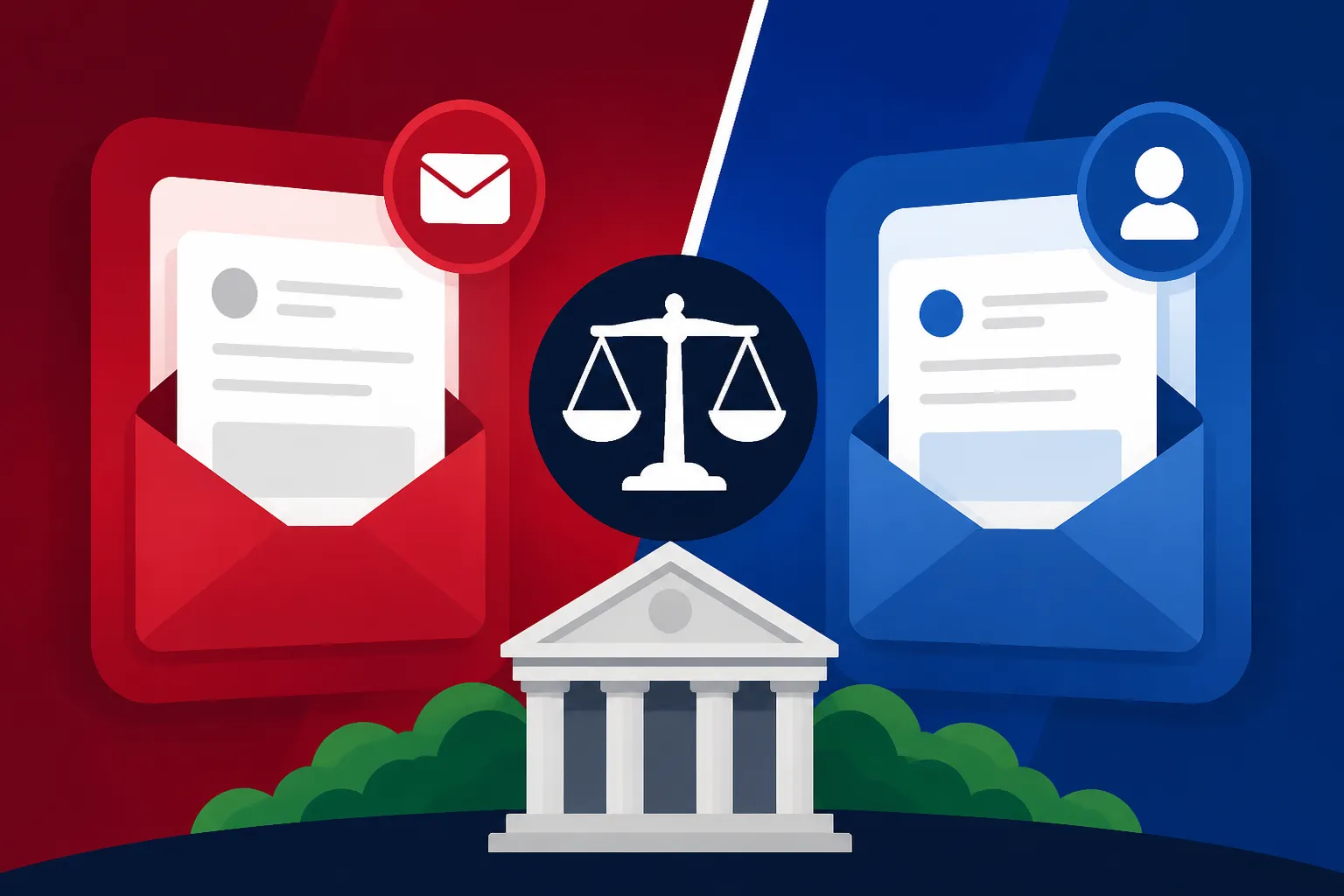
The confusion usually stems from why we need two platforms. Historically, E-Boks was the sole provider. However, the Danish state wanted to modernize the backend of the system and put the contract out for tender. The result was the creation of the NgDP, which Mit.dk was built to support. Today, both platforms can display "Public Digital Post"—meaning messages from the state, your municipality, and hospitals. However, they differ in how they handle "Private Digital Post."
Think of it like two different email clients (like Outlook and Gmail) that both have access to your official government inbox, but each has its own "private" folders. Your bank might choose to only send documents to E-Boks, while your utility company might prefer Mit.dk. Because of this, most veteran expats keep both apps on their phones. It’s the only way to ensure you have 100% coverage of your incoming mail. This is especially true when managing Money in Denmark: Banking, Payments, and Financial Setup for Expats as different financial institutions have different preferences for digital delivery.
E-Boks: The Reliable Veteran of Digital Mail
E-Boks has been the household name in Denmark for decades. For many of us who have lived here through the transition, E-Boks feels like the "old reliable" option. It has a very clean, document-focused interface that mimics a filing cabinet. Even though Mit.dk is the "official" new platform for the NgDP, E-Boks fought hard to remain relevant by ensuring they could still display government mail alongside the private mail they’ve always hosted.
Private Mail and Bank Statements
The real reason you cannot delete E-Boks is that the majority of Danish banks, insurance companies, and pension funds still use it for their private correspondence. When you open a bank account at one of the Traditional Banks vs. Digital Banks (Lunar): Which is Best for Expats? you will find that your yearly overviews, credit agreements, and terms of service updates land directly in your E-Boks.
For many expats, E-Boks serves as a digital archive. It’s where you’ll find your historical payslips from three years ago or the insurance policy you signed when you first moved into your apartment. The platform allows you to create folders and organize your mail manually, which is a lifesaver when you’re trying to prove your income for a loan or a visa extension. It feels more like a personal administrative tool than a government requirement.
Navigating the E-Boks Interface
The user experience in E-Boks is relatively straightforward, but there are a few quirks. You login using your MitID—the digital key to everything in Denmark. Once inside, you’ll see an inbox that aggregates everything. One feature I personally find helpful is the "Payments" tab. Some companies will send an invoice directly to E-Boks, and you can actually pay it right there using a card or by linking your bank account.
However, be careful with the "Delete" button. In Denmark, certain documents must be kept for years for tax purposes. If you accidentally delete a payslip or a tax document, getting it back can be a nightmare involving calls to customer support lines that might have long wait times. It is wise to use "Archiving" instead of deleting. This keeps your main inbox clean while preserving the paper trail you might need when reviewing The Annual Tax Assessment Notice (Årsopgørelse): Claiming Deductions later in the year.
Mit.dk: The New Official Standard
Mit.dk arrived on the scene with a bit of a splash and, admittedly, a bit of frustration for those of us who liked having everything in one place. It is designed to be more than just a mailbox; it’s an interactive platform. The interface is modern, and it aims to integrate "actions" directly into the mail. For example, if you get a message about a hospital appointment, Mit.dk often allows you to confirm or reschedule that appointment within the app itself.
Interactive Government Communication
The primary strength of Mit.dk is its integration with the new government infrastructure. When you receive mail from the Danish Health Authority or your local Kommune, Mit.dk is often the "smoothest" way to read it. The platform is designed to handle the "Next Generation Digital Post" protocols, which means it can handle richer media and more complex interactions than the old E-Boks system.
I’ve found that for things like Sickness Benefit (Sygedagpenge): Your Rights When Off Work Due to Illness notifications, Mit.dk is much faster at updating than the older systems. It feels more like a modern communication app than a dusty filing cabinet. If the state needs you to fill out a form, Mit.dk will often provide a direct link that logs you into the correct portal automatically, saving you the hassle of navigating the sometimes-confusing Borger.dk website.
Managing Private Senders on Mit.dk
While E-Boks has the lion's share of the "old" private companies, many newer startups and utility providers are moving exclusively to Mit.dk. This is where you might find your electricity bills or messages from your internet provider. Because it's a newer platform, it’s also where you’re likely to see more "commercial" integrations.
One thing to watch out for is the notification settings. Because it’s a newer app, I’ve found that the push notifications can sometimes be a bit finicky on certain phone models. Make sure you go into your phone settings and give Mit.dk "Priority" status. Missing a message here could mean missing a notification about How to View Your Medical Records and Lab Results on Sundhed.dk or an important update regarding your municipal taxes.
| Feature | E-Boks | Mit.dk |
|---|---|---|
| Primary Owner | Private Company (PostNord/Nets) | Private Company (Netcompany) |
| Public Mail | Yes (Government/Kommune) | Yes (Government/Kommune) |
| Bank Documents | Most Major Danish Banks | Select Newer Institutions |
| Payslips | Majority of Employers | Increasing Adoption |
| Interface Style | Document/Folder Centric | Action/Interaction Centric |
| MitID Required | Yes | Yes |
Practical Setup: Ensuring You Never Miss a Message
The biggest fear for any expat is "The Silent Penalty." This is when you miss a message because you didn't know which app to check, and three months later, you get a late fee or a legal notice. To avoid this, you need a strategy. You cannot rely on "remembering" to check these apps. You must automate your awareness.
Setting Up Notifications and Alerts
Both E-Boks and Mit.dk allow you to register your email address and phone number for "SMS/Email alerts." Do this immediately. When a new piece of mail arrives, you will get a generic email saying, "You have new mail in Digital Post." It won't tell you what the mail is (for security reasons), but it acts as your trigger to log in.
It helps to set up a dedicated "Denmark Admin" email folder so these alerts don't get lost in your promotional emails or spam. If you are handling international finances, perhaps using Wise to move money between your home country and your Danish account, you already know the importance of keeping your digital alerts organized. Just as you'd check a Wise notification for a completed transfer, you must treat a Digital Post alert with the same urgency.
Linking Your CPR and MitID Correcty
Your access to these platforms is entirely dependent on your MitID. If your MitID is locked or if you’ve lost access to the app, you are effectively cut off from your legal mail. Expats can get into real trouble because they changed phone numbers and didn't update their Using MitID for Banking: Security, Device Registration, and App Setup details, leaving them unable to check their E-Boks for weeks.
When you first set up these accounts, ensure your contact information is verified in both. Don't assume that updating your email in E-Boks will automatically update it in Mit.dk. They are separate companies with separate databases. It takes ten minutes to do a "digital audit" of your settings in both apps, and it could save you hundreds of crowns in missed-payment fees later.
Managing Financial and Tax Documents Digitally
This is where the rubber meets the road for most expats. Your financial health in Denmark is tracked almost exclusively through these digital portals. Every March, when the tax season kicks off, your digital mailbox will become the most important app on your phone.
Handling the Annual Tax Cycle
Your tax life is divided into two main documents: the Forskudsopgørelse (preliminary assessment) and the Årsopgørelse (final tax return). You will receive notifications in your Digital Post whenever these are ready. If you are a US citizen, you might also be working with Taxes for Expats to ensure your dual-filing requirements are met. In that case, you'll need to download the PDF versions of your Danish tax documents from your digital mailbox to share with your accountants.
Understanding the Preliminary Tax Assessment (Forskudsopgørelse): Avoiding Tax Debt is crucial because it determines how much you pay each month. If you get a message in Mit.dk saying your tax card has been updated, you need to check it immediately. Mistakes in your digital tax file can lead to a massive "Restskat" (tax debt) the following year. If you find the Danish terminology overwhelming, services like Taxes for Expats can help decode how your Danish income reflects on your home country's tax obligations.
Payslips and Employment Records
In Denmark, your employer is legally obligated to provide a payslip, but 99% of the time, they won't hand you a piece of paper. It will be sent to your E-Boks. This payslip is your proof of employment and your proof of contribution to the Danish social system. If you ever need to apply for Sickness Benefit (Sygedagpenge): Your Rights When Off Work Due to Illness or unemployment benefits, the authorities will look at the records stored in your digital mailbox.
It is wise to download your payslips and save them to a secure cloud drive (like Google Drive or iCloud) once a year. While E-Boks is secure, having a secondary backup is a smart move for any expat. This is particularly important if you are planning to apply for permanent residency later, as you will need to prove continuous employment.
Troubleshooting and Long-Term Management
Life happens. You might move to a new apartment, change your name after marriage, or eventually decide to leave Denmark. Your digital mailbox needs to evolve with you.
What Happens When You Move?
The beauty (and sometimes the frustration) of the Danish system is that it is all linked to your CPR address. When you move, you don't need to "tell" E-Boks or Mit.dk your new address. You simply register your move with the municipality, and the digital system updates automatically. However, there is a catch: if you have private senders (like a gym or a niche insurance company) that aren't linked to the national registry, you still need to update them manually.
Always do a quick check of your "Sender List" in E-Boks. You can see which companies are authorized to send you mail. If you see an old landlord or a company you no longer use, you can often "Unsubscribe" from their digital mail to keep your inbox from becoming cluttered with old "Aconto" statements or marketing materials.
Leaving Denmark: The Digital Exit
If you decide to leave Denmark, do not delete your E-Boks or Mit.dk accounts immediately. You will still receive your final tax settlement (Årsopgørelse) up to a year after you leave. You will also need these portals to manage Closing Down Your NemKonto and Bank Setup Before Leaving Denmark and to receive any leftover "Feriepenge" (holiday pay) that is owed to you.
Most expats keep their MitID active for at least two years after moving away. This allows you to log in from abroad, check for any lingering bills, and ensure that your final transition out of the Danish system is clean. If you are transferring your final Danish savings back home, using a service like Wise is often the most cost-effective way, but you'll still need your digital mailbox to confirm that your Danish bank has officially closed your accounts and sent the final balances.
Security and Scam Prevention
Because these portals are so central to life in Denmark, they are frequent targets for phishing. You might get an email or an SMS that looks exactly like an E-Boks notification, asking you to "Click here to see your tax refund." Never click these links.
A real notification from E-Boks or Mit.dk will never contain a direct link to a login page or ask for your MitID codes via a text message. The rule is simple: if you get an alert, close your email, open the official app on your phone, or type the URL directly into your browser. Staying safe in the digital landscape is just as important as keeping your physical bike locked in Copenhagen.
Disclaimer
The information provided in this guide is for informational purposes only and does not constitute legal, financial, or tax advice. Digital systems and government regulations in Denmark are subject to change. Always consult official sources such as Borger.dk, SKAT.dk, or a certified professional for specific administrative or legal concerns.