How to Download the Sundhedskort App on Your Phone
Forgetting your yellow health card when you are already five minutes late for a GP appointment is a rite of passage for most newcomers in Denmark. Standing at a clinic reception desk, frantic and red-faced, with the physical card tucked away in a different wallet at home is a familiar scene. This guide solves that panic by walking you through how to download the Sundhedskort app on your phone, ensuring your medical ID is always with you.
Why You Need the Digital Sundhedskort in Your Pocket
Denmark is arguably one of the most digitized societies on the planet. From the moment you receive your CPR number, you realize that your entire life—banking, taxes, housing, and healthcare—is tethered to a digital identity. While the physical yellow card is a sentimental piece of plastic for many of us, the digital version is becoming the standard. The Sundhedskort app is not just a digital "copy" of your card; it is a fully functional tool that allows you to scan into clinics and manage your family's health credentials in one place.
When you walk into a Danish medical facility, the first thing you see is usually a small card reader near the entrance. It is a cultural staple that you do not wait for a receptionist to check you in. Instead, you scan your card. If you are curious about why this is so important, you should read about Why You Must Scan Your Yellow Card in the Waiting Room. It alerts the doctor that you have arrived and ensures the clinic gets reimbursed by the state. Having the app on your phone means you never have to worry about losing that piece of plastic or waiting for a replacement to arrive in the mail.
For those of us who have lived here for years, we have seen the system evolve. I remember the days when we had to carry a physical folder of documents just to prove our residency. Now, the app handles it all. However, if you are still in the early stages of your move and wondering How Long Does It Take to Receive the Yellow Card in the Mail?, the app can actually be activated the moment your CPR registration is finalized in the system, often before the physical card even hits your mailbox.
Prerequisites Before You Download the App
Before you head to the App Store or Google Play, there are a few administrative hurdles you must clear. You cannot simply download the app and start using it without a verified Danish identity. This is where many expats get stuck, and I have spent many hours helping friends troubleshoot this exact sequence.
First and foremost, you must have a CPR number and a registered address in Denmark. This is the foundation of Understanding CPR Registration and Your Healthcare Entitlement. Without this, the healthcare system essentially doesn't know you exist. If you are a new arrival and haven't secured these yet, you might want to look into Expat Health Insurance: Coverage Before You Get Your CPR Number to ensure you are protected during the transition. During this gap, many expats rely on private solutions like SafetyWing to cover them before the Danish public system kicks in. SafetyWing is particularly useful for digital nomads or those on shorter-term visas who haven't yet received their yellow card.
Secondly, you need a functioning MitID. This is the national digital ID that replaced the old NemID. It is the "key" to everything digital in Denmark. If you haven't set this up yet, you will need to do so through your bank or the local Citizen Service (Borgerservice). Once you have MitID, you can access Sundhed.dk and MitID: Navigating Denmark’s Digital Health Portals, which is the web-based parent of the Sundhedskort app.
Finally, your phone’s region settings might need a quick check. Some users find that the Sundhedskort app doesn't appear in their app store if their account is still set to their home country (like the US or UK). You may need to switch your App Store region to Denmark or create a secondary Danish account to download local utility apps.
Step-by-Step Guide to Downloading and Activating the App
Once you have your MitID ready and your CPR number is active, the actual process of getting the app is relatively straightforward. Follow these steps to ensure a smooth setup:
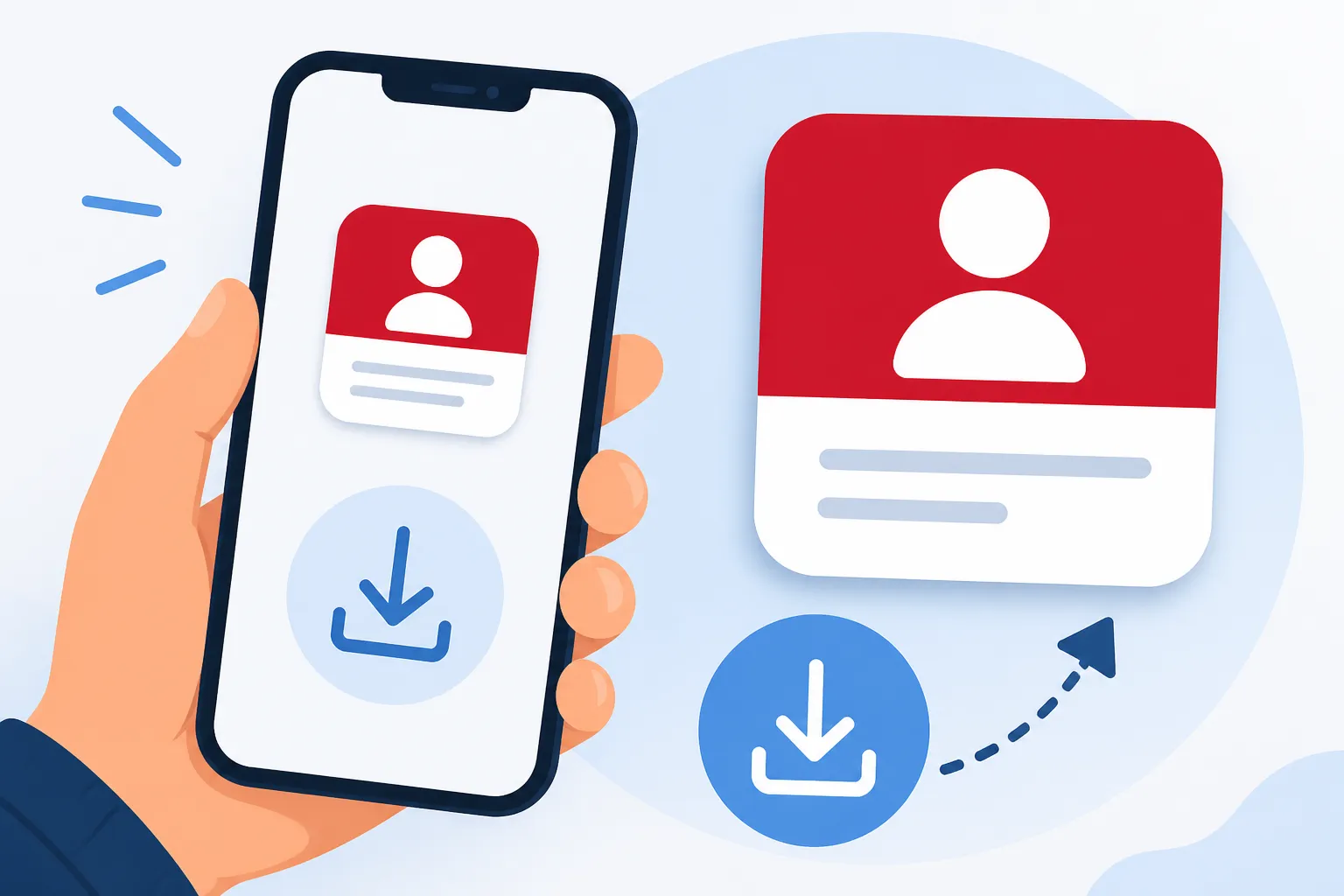
- Download the App: Search for "Sundhedskortet" (the health card) in the Apple App Store or Google Play Store. The icon is usually white with a yellow card graphic. Make sure it is the official app from Digitaliseringsstyrelsen.
- Open and Authenticate: Launch the app. It will immediately ask you to log in using MitID. This is a security measure to ensure your sensitive health data is protected.
- Set Up a Pin or Biometrics: After the initial MitID login, the app will ask you to create a four-digit PIN code. You can also enable FaceID or fingerprint scanning. I highly recommend this; you don't want to be fumbling with MitID every time you need to scan into the doctor’s office.
- Accept the Terms: You will need to agree to the data processing terms. In Denmark, data privacy is taken seriously, but the integration between services is seamless.
- Add Your Family (Optional): One of the best features of the app is the ability to see your children's cards. If you are managing Family Health in Denmark: Pregnancy, Maternity, and Pediatric Care, having your kids' digital cards on your phone is a lifesaver. They should automatically appear if they are registered at your address.
Once these steps are complete, your digital yellow card will appear on the screen. It looks exactly like the physical card, complete with your name, CPR number, and your doctor's contact information. This is particularly helpful when you need to quickly look up Finding Medical Care in Denmark: GPs, Specialists, and Referrals because your doctor's phone number is right there on the digital card.
Troubleshooting Common Setup Issues
Even with a perfect guide, things can go wrong. Common issues range—from app crashes to "user not found" errors. If you find yourself stuck, here are the most common reasons why the Sundhedskort app might be giving you trouble.
If the app says your information is not available, it is likely because your CPR registration is so new that it hasn't synced across all databases yet. Sometimes it takes 24 to 48 hours after your address is registered at Borgerservice for the digital systems to catch up. Patience is a virtue here, though I know it's frustrating when you're trying to get your life organized.
Another frequent issue involves the MitID app itself. If your MitID isn't updated or if you've recently changed phones, the authentication process might fail. Ensure your MitID app is working perfectly before trying to link it to the health card app. If you are planning on staying in Denmark long-term or have complex medical needs, you might also consider private supplemental insurance like Cigna Global. While the public system is excellent, Cigna Global can offer faster access to private specialists and more comprehensive coverage that works alongside your public "Yellow Card" entitlements.
Lastly, check your residency status. If you are an EU citizen on a short-term stay, you might be using your Blue EHIC card instead. The Sundhedskort app is specifically for those who are residents and registered in the Danish Civil Registration System.
| Feature | Physical Yellow Card | Sundhedskort App |
|---|---|---|
| Availability | Requires 2 weeks for mail delivery | Immediate upon CPR registration |
| Check-in Method | Magnetic stripe swipe | QR code scan |
| Security | None (if lost, anyone can see info) | Protected by PIN/Biometrics/MitID |
| Family Management | Must carry individual cards | All children's cards in one app |
| Durability | Can be lost, stolen, or damaged | Always on your smartphone |
| Information | Static printed data | Updates automatically if you change GPs |
Practical Tips for Using the App at the Doctor
Now that you have the app, how do you actually use it? It is quite satisfying to walk into a clinic and simply wave your phone over the scanner. When you open the app, your QR code is displayed prominently. Most scanners in Denmark are now optimized to read screens, but you should ensure your screen brightness is turned up if the scanner is struggling.
Having the app also makes it easier to manage your primary care. If you ever feel like your current doctor isn't the right fit, you can easily find your current GP's details in the app before initiating a change. For a deeper dive into that process, check out our guide on How to Choose and Change Your General Practitioner (GP) in Denmark.
Furthermore, the app acts as a quick reference for your CPR number. In Denmark, you will be asked for your CPR number for everything—from joining a gym to picking up a package. Instead of memorizing it immediately (which you will eventually do), you can just flick open the app. If you are picking up medication, remember that the pharmacist will also ask for this ID. You can learn more about how the pharmacy system works in our article on Pharmacies in Denmark: Apotek Rules, Prescriptions, and Subsidies.
Healthcare Coverage for Frequent Travelers and Newcomers
While the Sundhedskort app is your golden ticket within Denmark, it does have its limitations once you cross the border. The "Yellow Card" coverage is generally restricted to Denmark, though it can sometimes cover emergency care in specific regions like Greenland or the Faroe Islands.
For many expats, life involves a lot of travel back home or to other EU countries. While the Danish system provides the Blue EHIC card for travel within the EU, many people prefer the added security of private insurance. SafetyWing is a popular choice for those who are constantly moving between countries or who want a safety net that covers more than just basic emergency care while abroad.
On the other hand, if you are looking for a more "permanent" private layer to your Danish healthcare, Cigna Global offers plans that include private hospital rooms, maternity benefits that go beyond the public standard, and access to a wider network of international specialists. This is often a choice for expats working in high-pressure corporate roles who want to ensure they have the same level of care they might have enjoyed in the US, UK, or UAE. Balancing these private options with your public rights is part of navigating The Yellow Health Card (Sundhedskort): Your Key to Danish Healthcare effectively.
Moving and Updating Your Digital Card
One of the most "Danish" things about the system is how it handles moving house. In many countries, moving involves a mountain of paperwork to update your address with every single utility and government body. In Denmark, you just tell the municipality you are moving via Borger.dk.
Once you register your new address, a few things happen automatically. First, if your new address is outside your current doctor’s range (usually 15km), you will be prompted to choose a new GP. Once that is settled, the system updates your digital health card in the app almost instantly. You don't have to wait for a new plastic card to arrive to have proof of your new address or your new doctor.
If you are curious about the technicalities of this process, see our article on Moving Addresses: Do You Automatically Get a New Yellow Card?. The digital app makes this transition significantly less stressful. You can simply show your phone to prove your new residency if needed, which is often required when you are setting up local services in a new city like Aarhus or Odense.
Final Thoughts on the Digital Transition
Embracing the Sundhedskort app is a small but significant step in feeling "at home" in Denmark. It signals that you are no longer just a visitor, but a resident who is integrated into the system. It removes the friction of daily administrative tasks and ensures that if an emergency ever happens, you have your credentials ready to go.
Remember that while the app is fantastic, it relies on your phone having a charge. New expats should keep their physical card in a safe place at home, just in case their phone dies or they experience a technical glitch. But for 99% of your interactions with the Danish healthcare system, your phone is all you need. If you ever find yourself needing more than just a GP, understanding The Yellow Health Card (Sundhedskort): Your Key to Danish Healthcare will help you navigate the referrals and specialist visits that follow.
Disclaimer
The information provided in this guide is for informational purposes only and does not constitute legal or medical advice. Healthcare regulations and digital app features in Denmark can change. Always consult official sources such as Borger.dk or Sundhed.dk for the most current requirements and procedures. Private insurance mentions like SafetyWing and Cigna Global are suggestions based on common expat needs and should be researched individually to ensure they meet your specific circumstances.