How to Set Up an Apple Pay Account with a Danish Debit Card
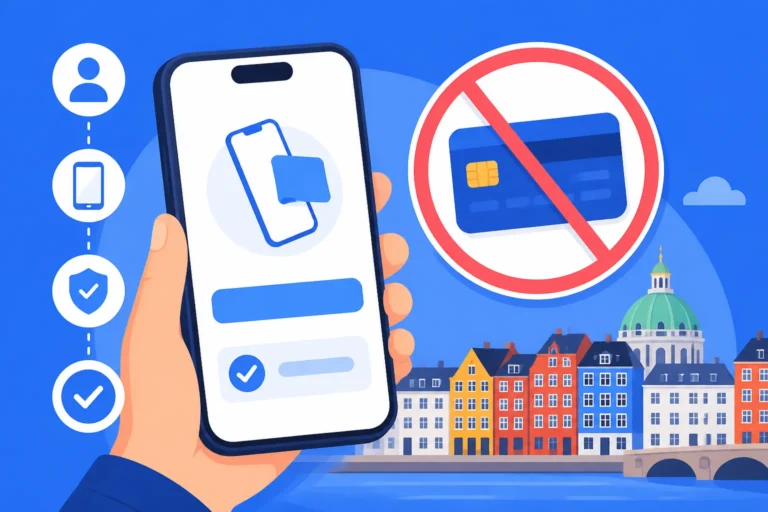
Standing at the checkout in a crowded Netto or Rema 1000 and realizing you’ve left your physical wallet at home is a rite of passage for many new arrivals. In a country that is rapidly sprinting toward a completely cashless future, being tethered to a piece of plastic feels surprisingly outdated. This guide solves the technical and administrative hurdles of linking your Danish bank account to your iPhone, ensuring you can navigate Denmark’s digital-first economy with a single tap.
Why Apple Pay is the Gold Standard for Living in Denmark
Denmark is one of the most digitized societies on the planet. Whether you are grabbing a coffee in Aarhus or paying for a hot dog at a pølsevogn in Copenhagen, the expectation is that you will pay electronically. While many locals swear by MobilePay for person-to-person transfers, Apple Pay has become the preferred method for retail transactions because of its speed and integration with the Apple Watch. If you’ve just moved here, you’ll quickly notice that MobilePay and Cashless Denmark: Surviving Without Physical Cash is a core part of daily life, but Apple Pay offers a level of convenience that even the best apps struggle to match.
For an expat, setting up Apple Pay isn’t just about convenience; it’s about integration. When you’re fumbling with a new language and trying to understand the difference between a "rundstykke" and a "bolle" at the bakery, the last thing you want is a "card declined" message because your foreign card is triggering a fraud alert. Using a local Danish debit card through Apple Pay signals to the payment terminal that you are part of the local ecosystem, often bypassing the pesky international transaction fees that plague those using home-country accounts.
Furthermore, the security benefits in a high-trust society like Denmark cannot be overstated. While crime is low, "skimming" and card theft still occur. Apple Pay uses tokenization, meaning your actual card number is never shared with the merchant. In a country where you’ll be doing almost everything online—from checking your health records to paying your rent—keeping your primary financial details shielded is a smart move.
The Essential Prerequisites Before You Open the Wallet App
You cannot simply land at Kastrup Airport and expect to set up Apple Pay with a Danish account immediately. There is a very specific "paper trail" (which is actually all digital) that you must follow. First and foremost, you need a CPR number. This is your social security number and the "key" to everything in Denmark. Without it, you cannot open a functional bank account that supports local debit cards. If you are still in the waiting phase, you might want to read about Opening a Bank Account in Denmark: Document Checklist and Delays to understand why this process can sometimes take weeks.
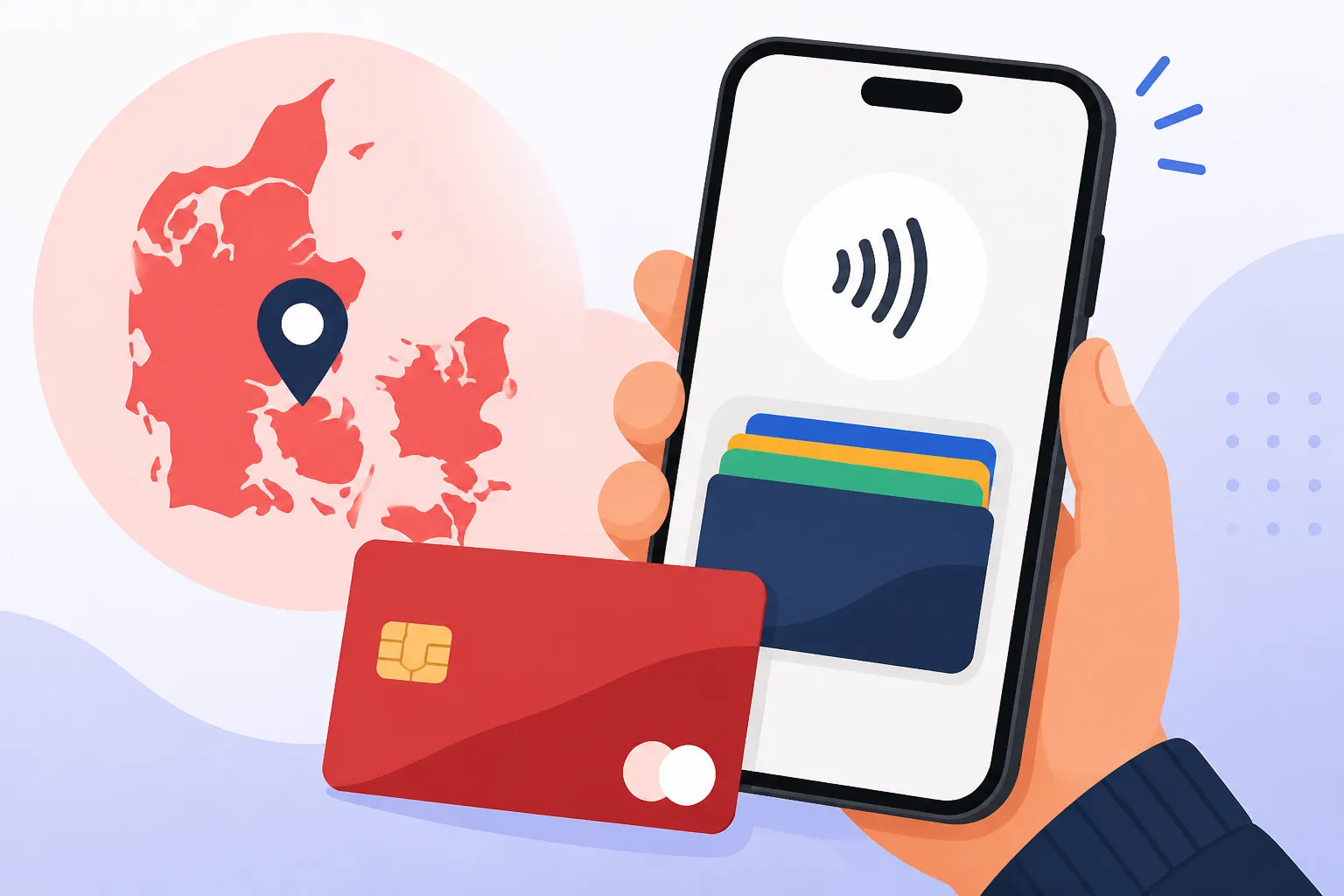
Once you have your CPR number, you need to choose a bank. Most major Danish institutions like Danske Bank, Nordea, and Jyske Bank support Apple Pay, as do modern digital-only options. If you are looking for a faster setup, many expats lean toward Traditional Banks vs. Digital Banks (Lunar): Which is Best for Expats? because digital banks often have more intuitive English-language apps. Regardless of the bank, you will receive a Visa-Dankort. This is a "co-branded" card that works as a local Dankort in Denmark and a Visa card internationally. This hybrid nature is exactly what makes the card compatible with Apple’s ecosystem.
Finally, you must have MitID set up and verified on your phone. MitID is the national digital ID system used for secure login. When you attempt to add your card to Apple Pay, your bank will almost certainly require a MitID swipe to verify your identity. If you haven't mastered this yet, check out our guide on Using MitID for Banking: Security, Device Registration, and App Setup to ensure your digital signature is ready to go. Without a working MitID, the verification loop will fail every single time.
Step-by-Step Guide to Adding Your Danish Card
There are two primary ways to get your Danish debit card into your Apple Wallet. The first, and most reliable, is through your bank’s official mobile app. Danish banks have invested heavily in their UI, and most have a "Cards" or "Add to Apple Wallet" button directly within the account overview. This method is preferred because it handles the heavy lifting of verification in the background, communicating directly with Apple’s servers without you needing to type in long card numbers.
If you prefer the manual route, you can open the Apple Wallet app, tap the plus (+) sign, and follow the prompts to scan your card. However, this is where many expats hit a wall. When you scan a Danish card manually, Apple often asks for a "verification code" sent via SMS. If your Danish phone number isn't perfectly synced with your bank's records, that SMS will never arrive. This is a common pain point; ensure your bank has your current +45 number on file before you start.
| Feature | Traditional Banks (Nordea/Danske) | Digital Banks (Lunar) | International Options (Wise) |
|---|---|---|---|
| Ease of Setup | Moderate (requires MitID) | Very High | High |
| Apple Pay Support | Full | Full | Full |
| English App Support | Good | Excellent | Excellent |
| Setup Time | 2-4 Weeks | 1-5 Days | Instant (Virtual Card) |
For those who are still waiting for their Danish card to arrive in the mail, you can often use Lunar Bank Review: Free Accounts for Expats and Students to get a virtual card immediately after your account is approved. This virtual card can be added to Apple Pay before the physical plastic even hits your mailbox, which is a lifesaver if you are trying to buy groceries during your first week in the country.
Troubleshooting the "Card Not Supported" Error
One of the most frustrating experiences is seeing the "Your issuer does not yet support this card" message. In 90% of cases for expats, this isn't because the bank doesn't support Apple Pay, but because of a "Region" mismatch in your iPhone settings. If your iPhone is still set to the United States, the UK, or India, the Apple Wallet app expects a card from those regions. To fix this, go to Settings > General > Language & Region and ensure your region is set to Denmark. This small tweak often unlocks the ability to add local Danish cards instantly.
Another issue involves the "Dankort" portion of the card. Some older terminals in very rural parts of Jutland might only accept the Dankort side of the card, while Apple Pay technically uses the Visa or Mastercard side. While this is becoming incredibly rare, it is worth knowing that your Apple Pay might occasionally fail at a tiny local "genbrug" (thrift store) that only accepts the physical Dankort. For 99% of your life in Copenhagen or Aarhus, however, this will not be an issue.
If the verification keeps failing despite having the right region and a working MitID, it might be due to your bank’s security "cool-down" period. Some banks prevent Apple Pay activation for the first 24 hours after a card is activated to prevent fraud. If you just received your card and Money in Denmark: Banking, Payments, and Financial Setup for Expats is still a new concept to you, give it a day before trying the digital setup again.
Managing International Finances and Tax Compliance
While having a Danish debit card is essential for local life, many expats still maintain financial ties to their home country. This is where a multi-currency solution like Wise becomes invaluable. You can actually add a Wise card to your Apple Wallet alongside your Danish card. This allows you to toggle between paying in DKK (with your Danish card) and paying in your home currency if you are shopping on international websites or traveling back home. Using Wise for these transfers is significantly cheaper than using a traditional Danish bank’s international wire service.
When you start using multiple cards and managing accounts across borders, you must stay aware of your tax obligations. Denmark has a very transparent but strict tax system. Whether you are earning in DKK or receiving dividends in another currency, companies like Taxes for Expats can help you navigate the complexities of dual-taxation treaties. It is easy to forget that your digital spending and global income are all tracked. If you’re feeling overwhelmed by the local tax card system, our guide on Taxes in Denmark Explained: A-Skat, AM-bidrag, and Marginal Rates provides a deep dive into how your income is actually processed.
Using Wise for your initial move is a pro-tip. You can use their DKK account details to receive your first salary if your Danish bank account is delayed. Just remember that once you are fully settled, the Danish authorities expect you to have a NemKonto, which is your designated "official" account. Even if you use Wise for daily Apple Pay transactions to save on fees, your "Hero" account for government interactions should be a local one.
The Reality of a "Wallet-Less" Life in Denmark
Once Apple Pay is set up, you will find that you rarely need anything else. You can even add your Rejsekort (travel card) or your digital driving license to your phone. The Danish government has released several apps that digitize your identity, meaning your phone truly becomes your life hub. When you go for a run in the King's Garden, you can stop for a water bottle using your watch, and when you take the Metro, you simply tap and go.
However, don't delete your banking apps just yet. You will still need them to manage your Wise vs. Revolut in Denmark: Why They Cannot Replace a Danish Bank comparisons and to pay those "Girokort" (yellow invoices) that occasionally appear in your physical or digital mailbox. Apple Pay is for spending, but your Danish banking app is for managing. The two work in tandem to give you full control over your finances without ever needing to step into a physical bank branch—something most Danes haven't done in years.
Remember to keep your phone's battery charged! While Denmark is cashless, it is not "crisis-proof." If your phone dies, you lose your ability to pay, your bus ticket, and your ID. Many veteran expats carry a small power bank or, ironically, a single "emergency" 200 DKK note tucked into their phone case for those rare moments when technology fails.
Reference List for Further Reading
To make your transition even smoother, I highly recommend exploring these related topics. Navigating the Danish financial system is a marathon, not a sprint:
- Money in Denmark: Banking, Payments, and Financial Setup for Expats
- Traditional Banks vs. Digital Banks (Lunar): Which is Best for Expats?
- Using MitID for Banking: Security, Device Registration, and App Setup
- MobilePay and Cashless Denmark: Surviving Without Physical Cash
- Wise vs. Revolut in Denmark: Why They Cannot Replace a Danish Bank
- Lunar Bank Review: Free Accounts for Expats and Students
- Taxes in Denmark Explained: A-Skat, AM-bidrag, and Marginal Rates
- Opening a Bank Account in Denmark: Document Checklist and Delays
Disclaimer
This guide is for informational purposes only and reflects the administrative processes in Denmark as of 2026. Banking regulations, app interfaces, and immigration requirements can change without notice. Always consult with your specific banking institution or a qualified financial advisor regarding your personal finances and tax obligations.